Need help?
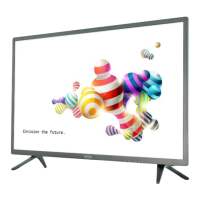
Do you have a question about the NOA Vision N43LFSB and is the answer not in the manual?
Verify the TV model name and download the latest software from the official product webpage.
Extract the firmware archive and prepare a USB drive by formatting it to FAT32.
Copy the firmware file to the USB drive, connect the TV to power, and then insert the USB drive and turn on the TV.
Monitor the blue software update screen, wait for the process to finish, and ensure the TV is updated.
 General
| Screen Size | 43 inches |
|---|---|
| Display Type | LED |
| Smart TV | Yes |
| HDMI Ports | 3 |
| USB Ports | 2 |
| Wi-Fi | Yes |
| Refresh Rate | 60 Hz |
| Resolution | 1920 x 1080 |
| Operating System | Android |

 To Next Page