EasyManua.ls Logo

nobel biocare OsseoCare Pro - User Manual

nobel biocare OsseoCare Pro
16 pages
Print Icon
To Next Page IconTo Next Page
Loading...
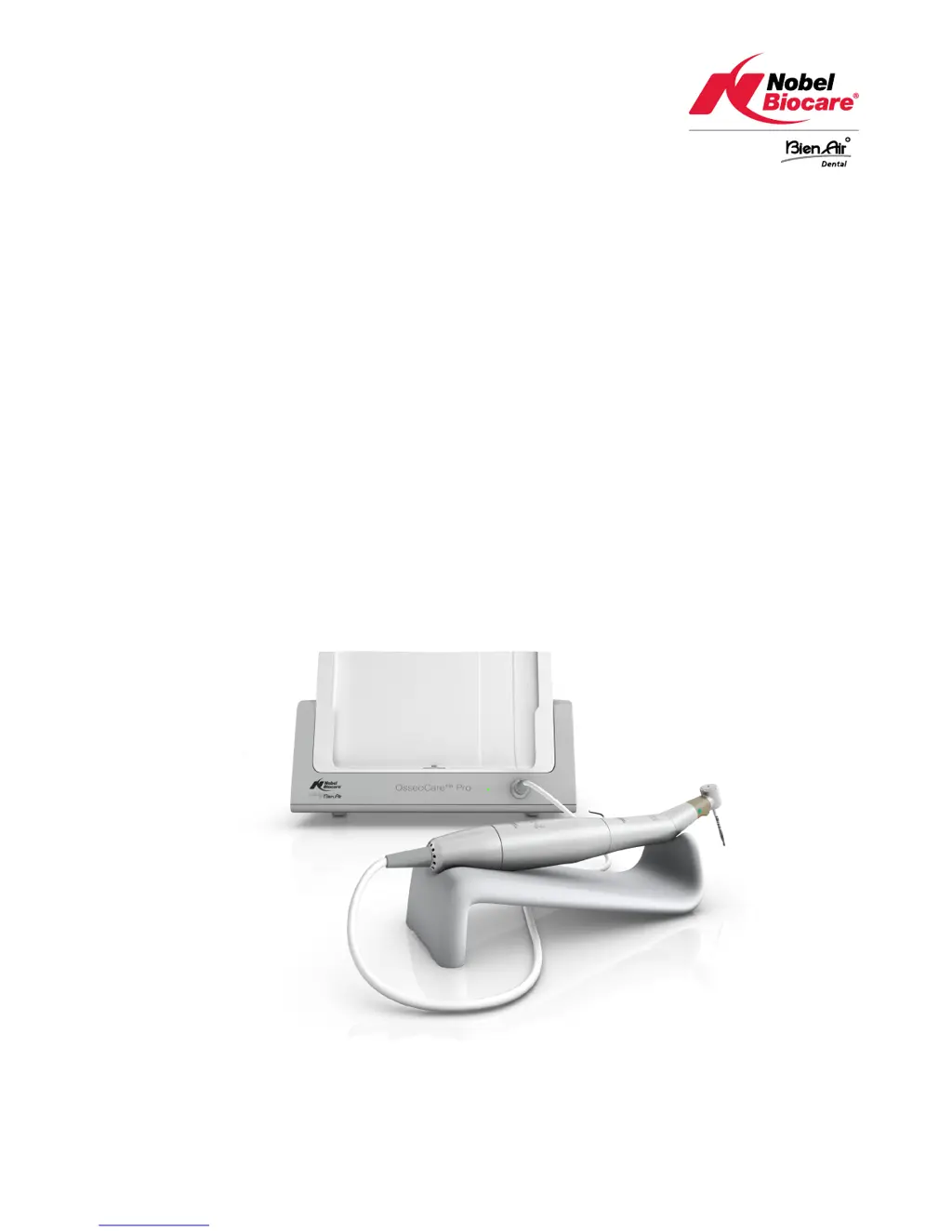
OsseoCare™ Pro
Instructions for use - drilling unit
Manufactured
by

Questions and Answers

  • J
    Jeanette PalmerAug 1, 2025
    What to do if Nobel Biocare Medical Equipment shows 'GEN ERROR'?
    • J
      Jason BrownAug 1, 2025
      If you encounter a 'GEN ERROR [FailCode] System electrical failure' with your Nobel Biocare Medical Equipment, follow these steps: First, switch the unit OFF. Then, disconnect the iPad® device. Next, close the OsseoCare™ Pro app. After that, switch the drilling unit back ON. Reconnect the iPad® device and restart the OsseoCare™ Pro app. This procedure should address the electrical system fault.
  • J
    Jason EspinozaAug 6, 2025
    How to fix motor cable failure in Nobel Biocare Medical Equipment?
    • R
      Richard KimAug 6, 2025
      If the Nobel Biocare Medical Equipment displays 'Motor cable failure', this could be due to a motor drive power protection failure or a defective motor cable. Try replacing the motor cable.
  • T
    Tyrone HarrisAug 11, 2025
    Why does my Nobel Biocare Medical Equipment require releasing the pedal?
    • I
      Isaac AbbottAug 12, 2025
      If you are experiencing issues where the pedal needs to be released on your Nobel Biocare Medical Equipment, it could be due to a couple of reasons. It might be that the pedal was pressed during startup, blocking the motor. In this case, simply release the pedal and press it again. Alternatively, the motor control card might be limiting power to prevent overheating. To resolve this, avoid extended use of the equipment.
  • R
    Richard MerrittAug 16, 2025
    What to do if Nobel Biocare Medical Equipment says 'Motor connection is missing'?
    • P
      Paul LopezAug 16, 2025
      If your Nobel Biocare Medical Equipment indicates 'Motor connection is missing', this may be due to a motor phase missing failure or an improper motor connection. Check the motor connection to ensure it is properly connected.
  • L
    Linda SmithAug 21, 2025
    How to resolve motor drive overtemperature on Nobel Biocare Medical Equipment?
    • R
      robert64Aug 21, 2025
      If your Nobel Biocare Medical Equipment displays 'Motor drive overtemperature', allow the system to cool down.
  • S
    Susan WilsonAug 27, 2025
    What causes 'Pedal connection missing' error on Nobel Biocare Medical Equipment?
    • K
      Keith ScottAug 27, 2025
      If the Nobel Biocare Medical Equipment indicates 'Pedal connection is missing', it means the pedal is not properly connected. Check the pedal connection to ensure it is correctly attached.

Summary

Product Description

Hardware Overview

Details the physical components and keys of the OsseoCare Pro drilling unit.

Explanation of Symbols

Safety and Warning Symbols

Explains key safety symbols including electrical hazards and operational warnings.

Technical Specifications

Accessory Usage Warning

Warns against using accessories not validated or certified by the manufacturer.

Electromagnetic Compatibility (EMC)

Installation Procedures

iPad Application Installation

Steps to download and install the OsseoCare Pro application on an iPad.

Drilling Unit Setup

Instructions for connecting the power, pedal, and micromotor cables.

Operating the Drilling Unit

Foot Pedal Controls

Explanation of the functions of the blue, orange, and grey buttons on the foot pedal.

Troubleshooting and Error Handling

Pedal and Motor Errors

Troubleshooting steps for pedal connection, motor, and cable issues.

System and Electrical Errors

Guidance for resolving general system errors and electrical faults.

Maintenance and Guarantee

nobel biocare OsseoCare Pro Specifications

General IconGeneral
Brandnobel biocare
ModelOsseoCare Pro
CategoryMedical Equipment
LanguageEnglish