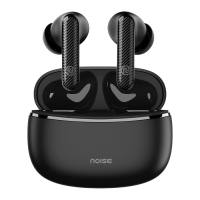
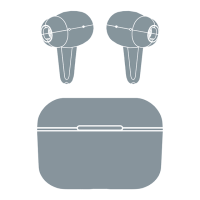
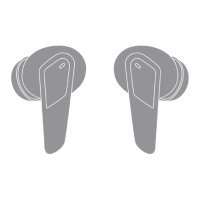
PAIRING
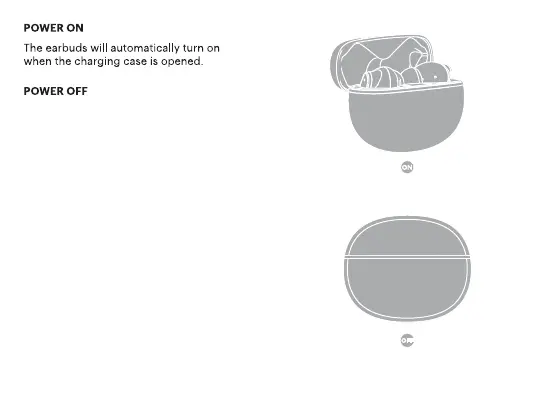
• Open the charging case.
• Turn on the Bluetooth of your device.
• Select Add Device and from the list of devices,
select Noise Buds VS102 Plus.
• Your Noise Buds VS102 Plus are now paired with your
device and ready to use.
• Note: Your Noise Buds VS102 Plus will automatically
connect to the last paired device as soon
as you take them out of the charging case.
The earbuds will automatically turn
o once placed inside the charging
case with the lid closed.


 To Next Page