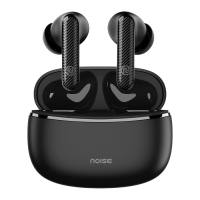
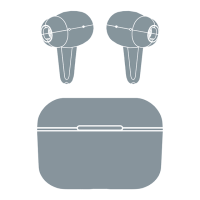
RESET
• Make sure your earbuds are fully charged.
• On your paired devices, delete/remove Noise Buds VS102 Plus.
from the list of paired devices in the Bluetooth menu.
• Take out the earbuds from the charging case.
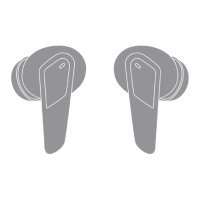
• Tap the right/left earbud for 6 times.
• Place both the earbuds inside the charging case and repeat the pairing process.
CHOOSING YOUR EAR TIP SIZE
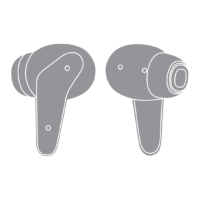
Earphones are fitted with medium-sized tips.
However, if you find they don’t fit perfectly,
please remove and try the small and large ear
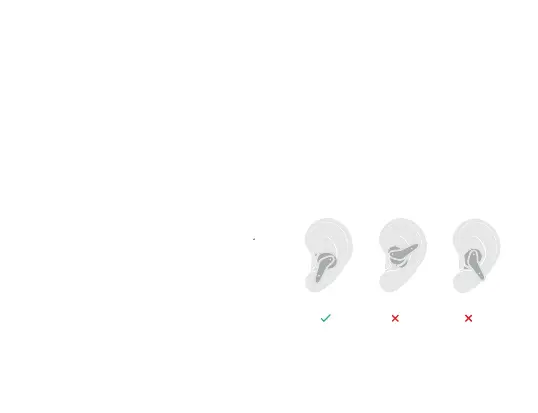
tips. Follow the images and chart to learn how
to wear the earbuds in the right manner.


 To Next Page