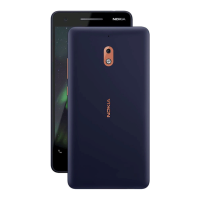
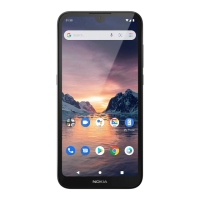
Nokia 1 User Guide
Edit a contact
1. Tap Contacts and tap the contact you want to edit.
2. Tap .
3. Edit the information.
4. Tap Save .
Search for a contact
1. Tap Contacts .
2. Tap .
Import or export contacts
1. Tap Contacts .
2. Tap .
3. Tap Settings > Import or Export .
SEND AND RECEIVE MESSAGES
Keep in touch with your friends and family members through text messages.
Send a message
1. Tap Messages .
2. Tap .
3. To add a recipient, type their number in
a recipient box. To add a contact, start
typing their name and tap the contact.
4. After choosing all the recipients, tap .
5. Write your message in the text box.
6. Tap .
Tip: If you want to send a photo in a message, tap Photos , tap the photo you want to share,
and tap . Select Messages .
Read a message
1. Tap Messages .
2. Tap the message you want to read. You can also read a message from the notification
panel. Slide down from the top of the screen and tap the message.
© 2019 HMD Global Oy. All rights reserved. 23


 To Next Page