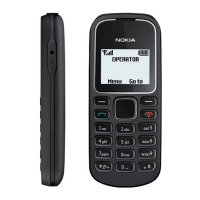
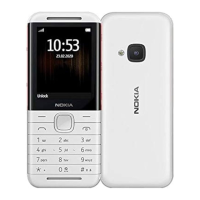
When using predictive text input, press each key once for
a single letter. If the desired word is displayed, press 0, and
start writing the next word. If ? is displayed after the word,
the word is not in the dictionary.
Change a word
Press * repeatedly until the desired word is displayed.
Add a word
Select Spell, enter the word using traditional text input,
and select OK.
Add a space
Press 0.
Change text input method
Press # repeatedly, and check the indicator at the top of
the display.
Add a number
Press and hold the desired number key.
Add a special character
Press * when using traditional text input; press and hold
* when using predictive text input.
Your phone 13
© 2009 Nokia. All rights reserved. 13



 To Next Page