Nokia 2 User Guide
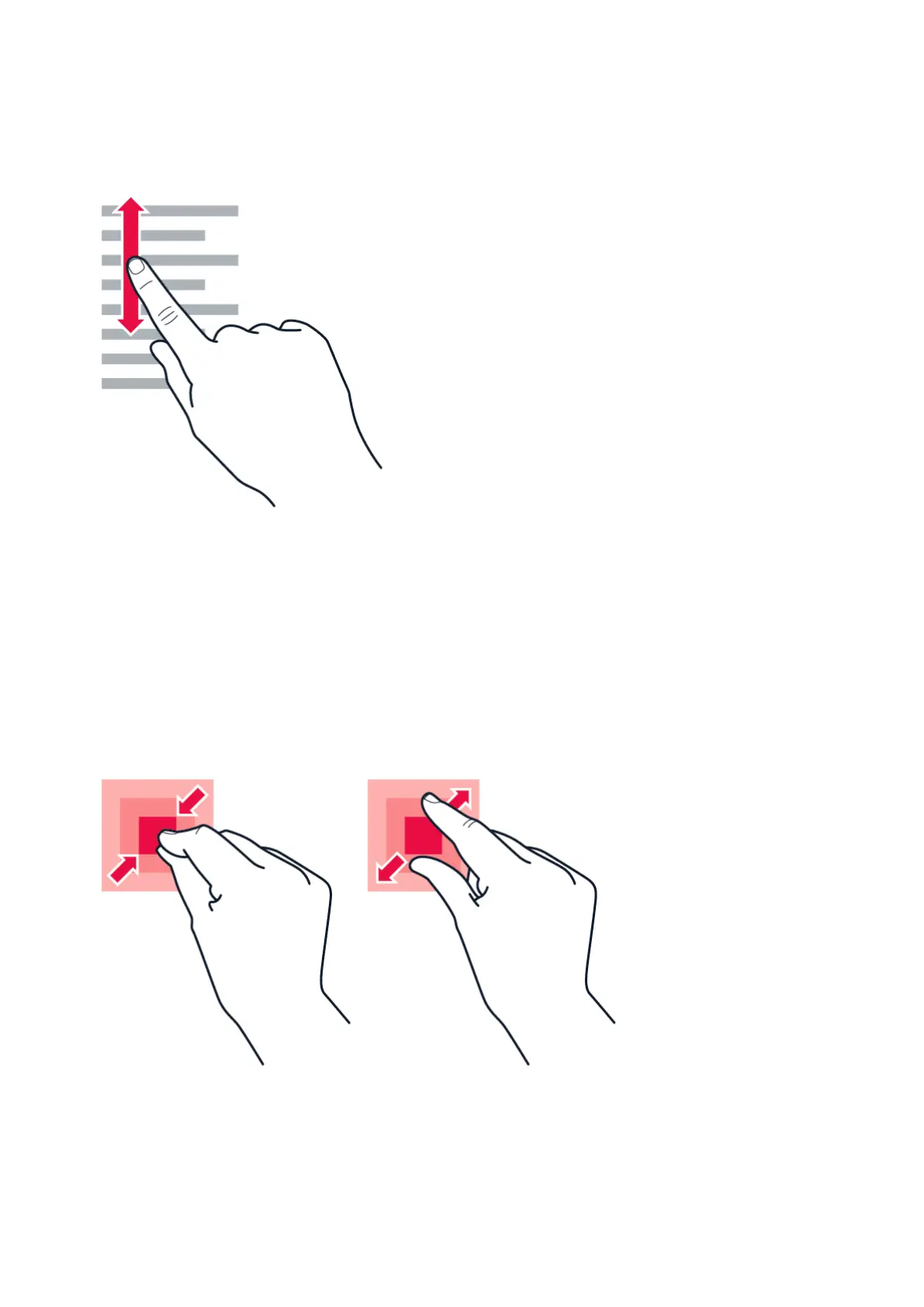
Scroll through a long list or menu
Slide your finger quickly in a flicking motion up or down the screen, and lift your finger. To stop
the scrolling, tap the screen.
Zoom in or out
Place 2 fingers on an item, such as a map, photo, or web page, and slide your fingers apart or
together.
© 2023 HMD Global Oy. All rights reserved. 12



 To Next Page