Battery information
48
Copyright © 2007 Nokia. All rights reserved.
Successful completion of the four steps is not a total assurance
of the authenticity of the battery. If you have any reason to
believe that your battery is not an authentic original Nokia
battery, you should refrain from using it and take it to the
nearest authorized Nokia service point or dealer for assistance.
Your authorized Nokia service point or dealer will inspect the
battery for authenticity. If authenticity cannot be verified,
return the battery to the place of purchase.
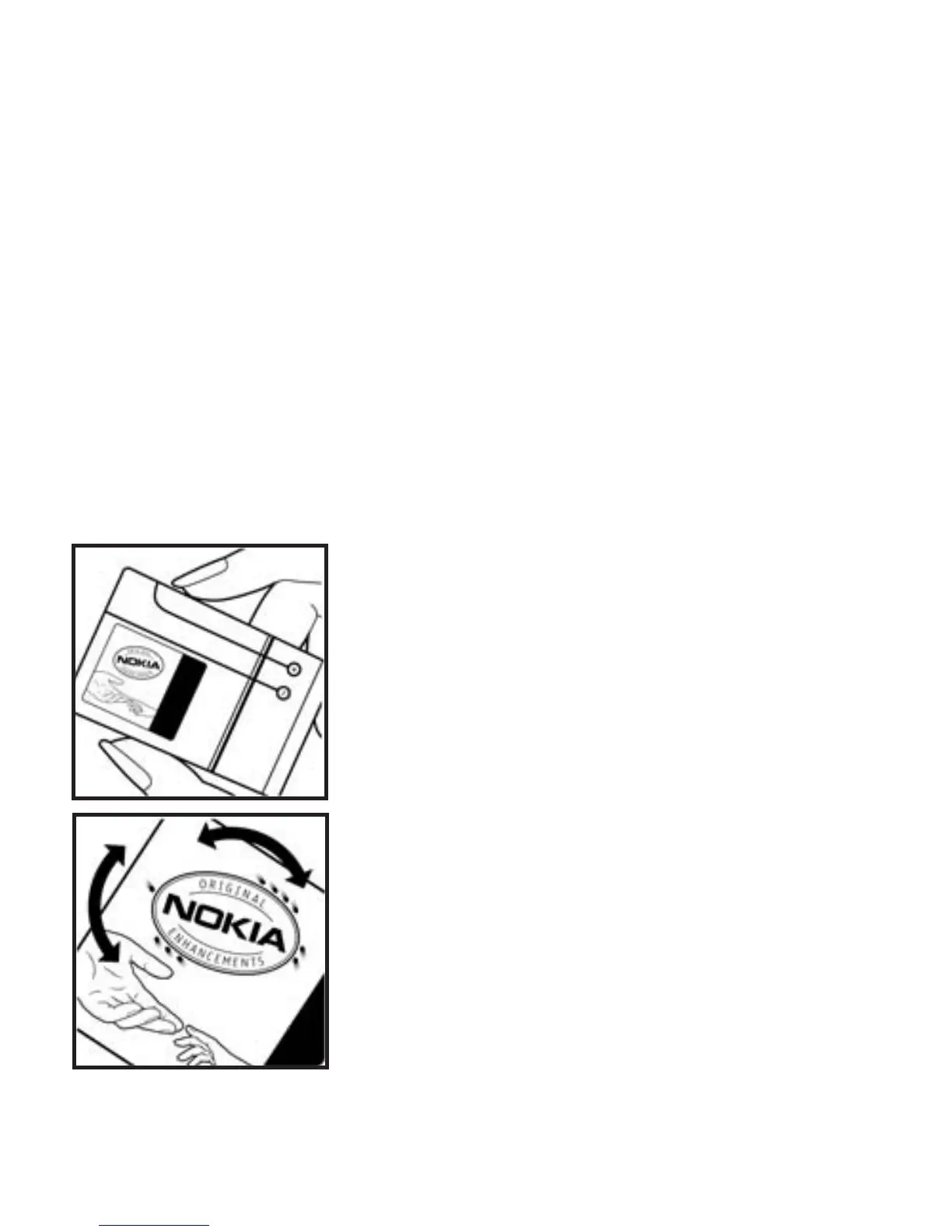
Authenticate hologram
1. When looking at the hologram on
the label, you should see the Nokia
connecting hands symbol from one
angle and the Nokia Original
Enhancements logo when looking
from another angle.
2. When you angle the hologram left,
right, down, and up, you should see 1,
2, 3, and 4 dots on each side
respectively.



 To Next Page