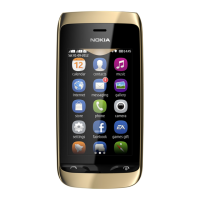
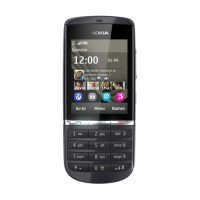
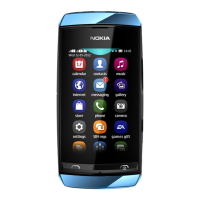
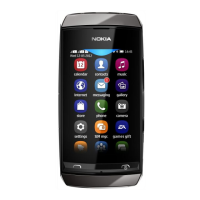
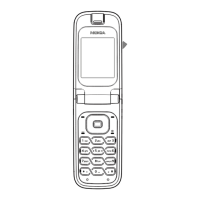
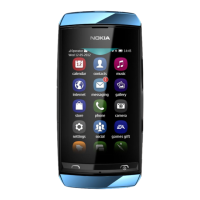
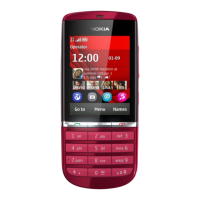
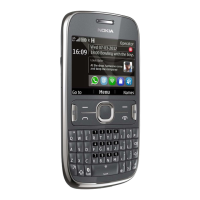
of your phone, such as games and the calendar, may be
used without inserting a SIM card. Features that are
dimmed in the menus cannot be used.
Calls
Make a call
1 On the home screen, enter the phone number.
To delete a number, select Clear.
To enter the + character, used for international calls,
press +. The + character may not work in all regions. In
this case, enter the international access code directly.
2 To make the call, press the call key.
3 To end the call, press the end key.
Call the last dialled number
Trying to call someone, but they are not answering? It is
easy to call them again.
1 On the home screen, press the call key.
2 Go to the number, and press the call key.
View your missed calls
Want to see who made the call you missed?
24 Calls
Cyan
Magenta
Yellow
Black


 To Next Page