Nokia 5 User Guide
Switch on the NFC features in your phone, and start tapping to share stuff or connect to devices.
With NFC, you can:
Connect to compatible Bluetooth accessories that support NFC, such as a headset or a wireless
loudspeaker
Tap tags to get more content for your phone, or to access online services
Pay with your phone, if supported by your network service provider
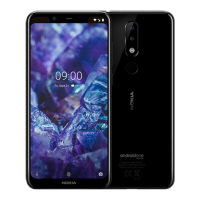
The NFC area is on the back of your phone. Tap other phones, accessories, tags, or readers with the
NFC area.
Tap Settings > More > NFC.
Switch NFC to On.
Before using NFC, make sure the screen and keys are unlocked.
Read NFC tags
Nokia 5 Manual PDF


 To Next Page