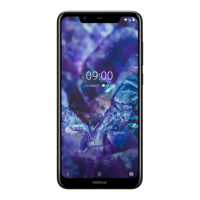
Nokia 5 User Guide
Tap Play store > menu > My apps & games to see available updates.
Tap the app with an update available and UPDATE.
You can also update all apps at once. In My apps & games, tap UPDATE ALL.
Remove downloaded apps
Tap Play Store > menu > My apps & games, choose an app you want to remove, and tap UNINSTALL.
Get music, movies, or books with Google Play
With Google Play, you can gain access to millions of songs, and thousands of movies and books.
Tap Play Music, Play Movies, or Play Books to learn more.
1 You need to have a Google account added to your phone to use Google Play services. Some of the
content available in Google Play is paid. To add a payment method, tap Play Store > menu > Account >
Payment methods. Always be sure to have a permission from the payment method owner when buying
content from Google Play
Nokia 5 Manual PDF


 To Next Page