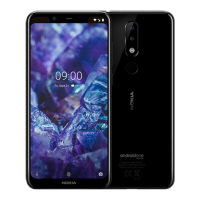
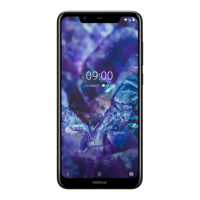
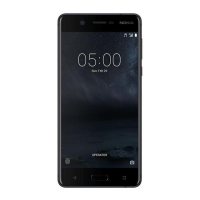
Nokia 5 User Guide
show or store them.
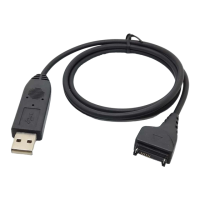
Connect your phone to a compatible computer with a compatible USB cable.
On your computer, open a file manager, such as Windows Explorer or macOS Finder, and browse to
your phone.
Drag and drop items from your phone to the computer, or from your computer to the phone.
Make sure you put the files in the right folders on your phone, or you may not be able to see them.
1 The memory card is sold separately.
Nokia 5 Manual PDF


 To Next Page