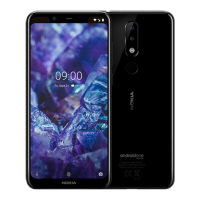
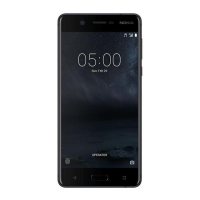
Nokia 5 User Guide
Tap Settings > Wi-Fi.
Switch Wi-Fi to On.
Select the connection you want to use.
Your Wi-Fi connection is active when network_wifi is shown on the status bar at the top of the screen.
1
Tip: If you want to track locations when satellite signals are not available, for example when you're
indoors or between tall buildings, switch Wi-Fi on to improve positioning accuracy.
1 Note: Using Wi-Fi may be restricted in some countries. For example, in the EU, you are only allowed
to use 5150–5350 MHz Wi-Fi indoors, and in the USA and Canada, you are only allowed to use 5.15–
5.25 GHz Wi-Fi indoors. For more info, contact your local authorities.
Important: Use encryption to increase the security of your Wi-Fi connection. Using encryption reduces
the risk of others accessing your data.
Nokia 5 Manual PDF


 To Next Page