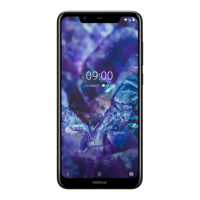
Nokia 5 User Guide
headset, you can still send things to another device.
Tap Settings > Bluetooth.
Switch Bluetooth to On.
Go to the content you want to send, and tap share > Bluetooth.
Tap the device to connect to. You can see the Bluetooth devices within range.
If the other device needs a passcode, type in the passcode. The passcode, which you can make up,
must be typed in on both devices. The passcode in some devices is fixed. For details, see the user guide
of the other device.
The location of the received files depends on the other device. For details, see the user guide of the
other device.
Nokia 5 Manual PDF


 To Next Page