9-6 To-do list
To-do list
To access the To-do list:
1. Press To-do in the monthly or weekly schedule.
or
2. Press Menu in any of the schedules.
The To-do list is a list of tasks that are not con-
nected to any specific time or day. After a calen-
dar alarm has occurred, you have the opportunity
to move the event to the To-do list by pressing the
Move to To-do list command button.
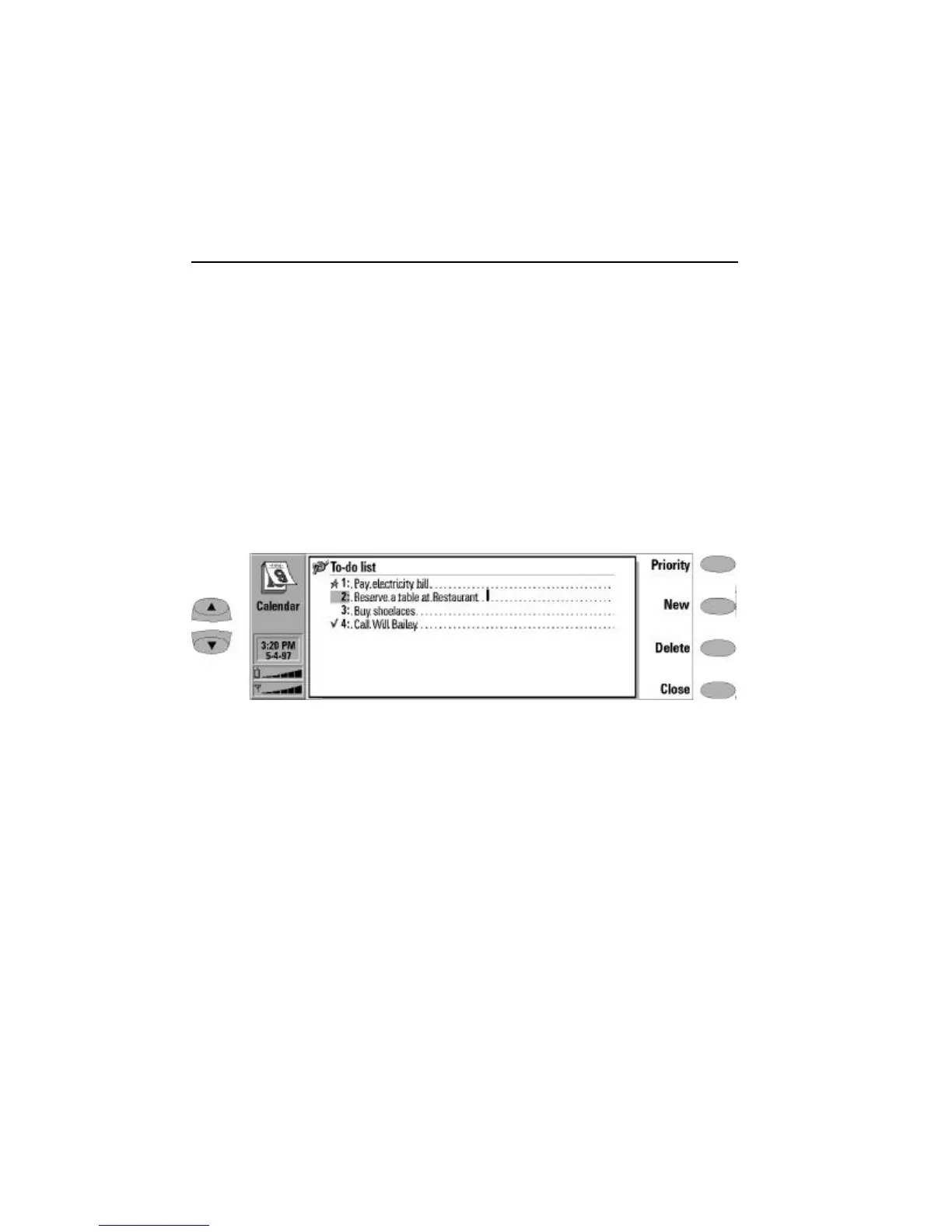
The entries in the To-do list are numbered, and
they can be given high or normal priority. High
priority entries are always shown at the top of
the list (see Figure 9-4).
To change the status of the selected task:
• Press Priority. A pop-up box opens.
‚ Change the status of the entry to High priority
or Normal priority (default), or mark the task as
Completed (as task number four in Figure 9-4).
To create a new To-do item, press New. A new
empty entry field is added at the end of the
To-do list.
To remove the currently selected entry from the
list, press Delete.
Figure 9-4: To-do list


 To Next Page