
 Need help?
Do you have a question about the Nokia CA-42 and is the answer not in the manual?
Insert the CA-42 cable driver CD-ROM into your computer's drive. If auto-install fails, use the Run command to start setup.
Follow on-screen instructions to run the installation wizard and restart your computer if prompted.
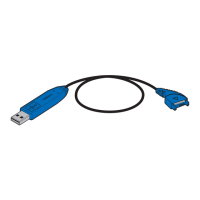
Connect the CA-42 cable to the PC USB port and phone Pop-Port. Disconnect phone first, then PC.

 To Next Page
 General