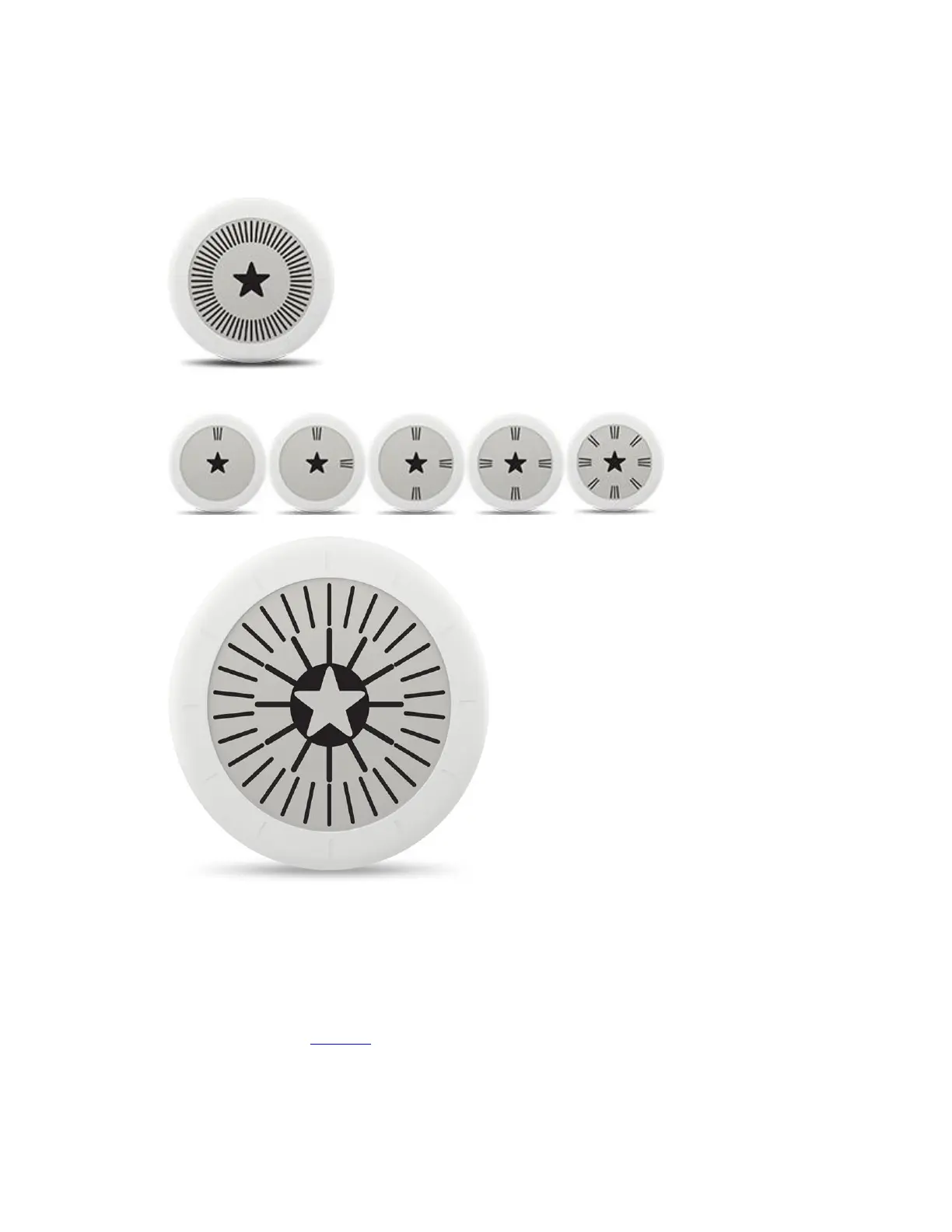
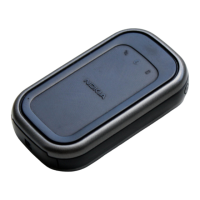
To perform a factory reset of the Nokia Go, perform the following steps:
1. Long press the screen of your Nokia Go for 25 seconds until the following screen is
displayed.
2. Short-press the screen of your Nokia Go five times until the following sequence of screen
is displayed.
3. The following screen will be displayed after a few seconds:
I'm having syncing issues. What should I do?
If your Nokia Go doesn't sync with the Nokia Health Mate® app, perform the following steps:
1. Make sure that your Nokia Go appears in My devices in the Nokia Health Mate® app.
If not, you need to install it.
2. If necessary, try to turn off Bluetooth on your mobile device and then turn it back on.
3. If your Nokia Go is not installed on the main user profile of your account, log out from
the app and then log back in with the correct user profile.



 To Next Page