1 Select > .
2 If your phone asks for the voicemail password, enter it.
3 You can listen or reply to voicemails, delete them, or record a greeting message.
Follow the audible instructions.
Change the phone number of your voice mailbox
1 Select
> > call settings and the voicemail number.
2 Enter the new number, and select save.
If the voice mailbox number is automatically set by your network service provider,
you do not need to change the number.
Divert calls to your voice mailbox or another phone number
If you cannot answer your calls, you can divert incoming calls to your voice mailbox
or another phone number. Remember to set up your voice mailbox before diverting
your calls there.
To divert an incoming call to your voice mailbox, select ignore.
Divert calls to another phone number
1 On the start screen, select
> > call settings > Call forwarding.
2 Enter the phone number in the Forward calls to field, and select save.
To check if call divert is being used, indicated with
, tap the top of the screen.
Call divert is a network service. For details, contact your network service provider.
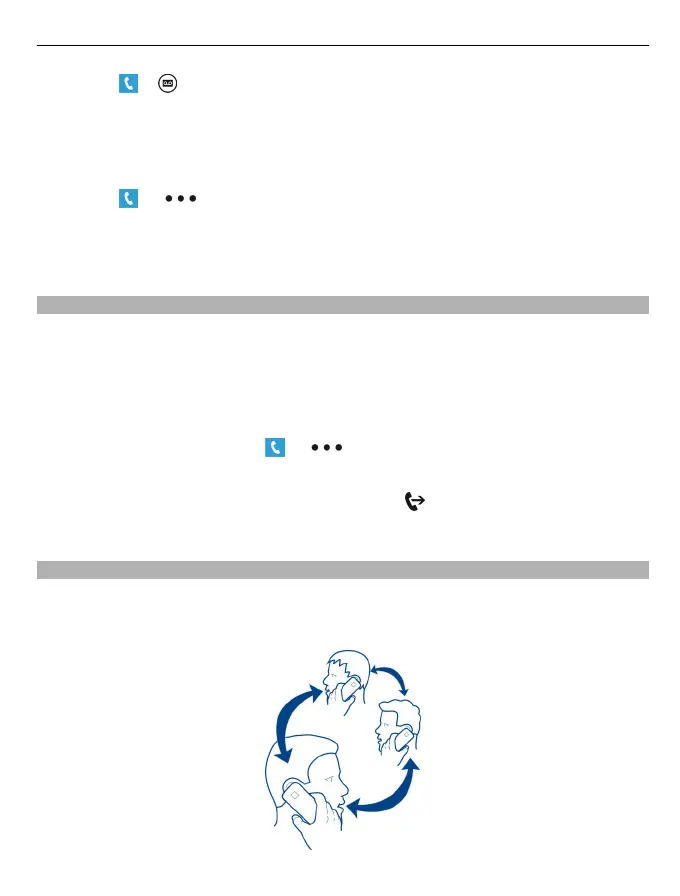
Make a conference call
Your phone supports conference calls between two or more people. The maximum
number of participants varies by the network operator. Conference call is a network
service.
Calls 31


 To Next Page
 Loading...