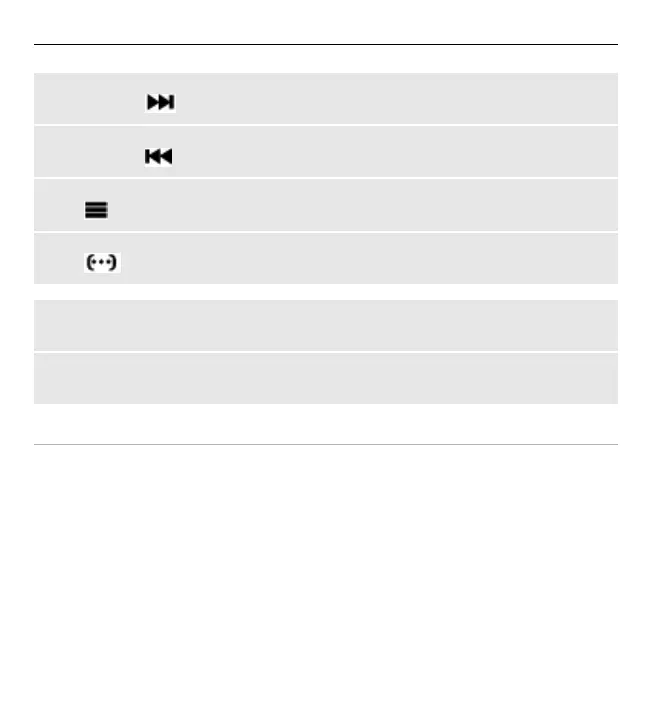
Fast-forward the current song
Press and hold
.
Rewind the current song
Press and hold
.
Switch to the music menu
Select
.
Switch to the current playlist
Select
.
Leave the media player playing in the background
Press the end key.
Stop the media player
Press and hold the end key.
Change the media player look
Your device provides several themes to change the look of the media player.
Select Menu > Media > Media player and Go to Media player > Options >
Settings > Media player theme and the desired theme.
The virtual keys may change depending on the theme.
58 Entertainment


 To Next Page