EasyManua.ls Logo

NOMA CT 1201 0 - User Manual

NOMA CT 1201 0
32 pages
Print Icon
To Next Page IconTo Next Page
Loading...
H
I
G
H
M
E
D
I
U
M
U
L
T
R
A
Q
U
I
E
T
R
E
F
I
L
L
A
U
T
O
Part No. SP6616 Printed in Canada
IMPORTANT INSTRUCTIONS
NOMA
®
Part No.
43-5923-2
Model No.
CT 1201 0
READ AND SAVE THESE INSTRUCTIONS
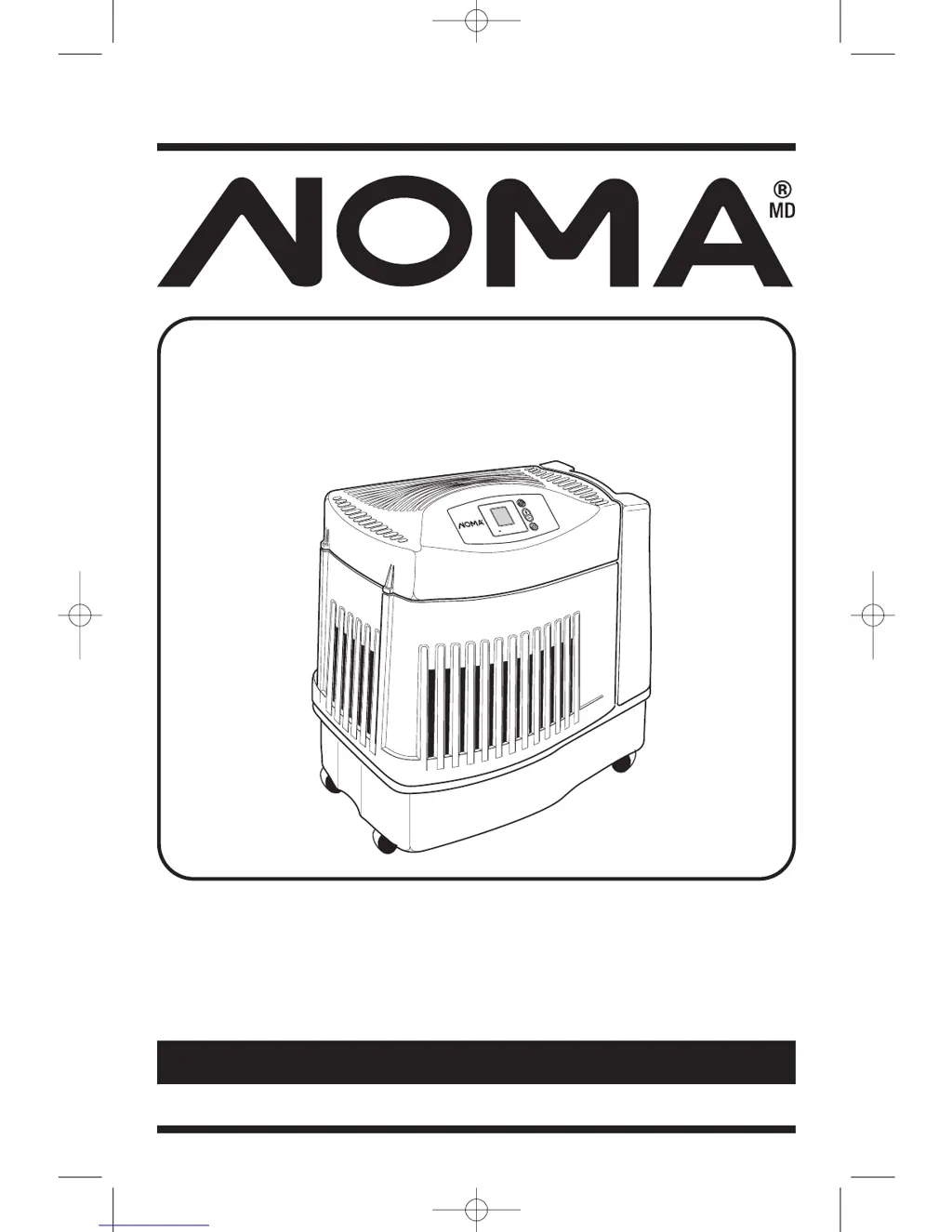
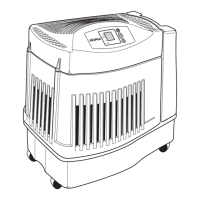
Evaporative
Humidifier
Please read the instructions carefully before using.
SP6616 NOMA HUMIDIFIER 8/4/05 11:48 AM Page 1

Questions and Answers

  • G
    Gregory DavisAug 16, 2025
    What to do if the red power light is off on my NOMA CT 1201 0?
    • A
      Andrew WilsonAug 16, 2025
      If the red power light and digital display are not illuminated on your NOMA Humidifier, first check the 120-volt power source. If the power source is working, make sure you have pressed the power button to turn the unit on.
  • B
    Brandon SmithAug 18, 2025
    Why is the fan running continuously on my NOMA CT 1201 0 Humidifier?
    • R
      Rodney FloresAug 18, 2025
      The fan on your NOMA Humidifier might run continuously because the SET humidity level is at 65%. Adjust the SET level to between 25% and 60%. Alternatively, the ROOM humidity level may not have reached 1% or more above the SET humidity level. Allow the humidifier to run until the desired humidity level is achieved, which may initially take up to 48 hours.
  • F
    freemantammyAug 22, 2025
    What to do if my NOMA CT 1201 0 bottle continues to empty after filling?
    • M
      Marisa CrossAug 22, 2025
      If the bottle continues to empty after completely filling your NOMA Humidifier, it could be due to air entering the water bottle. Ensure the fill cap is tight and free of any debris. Also, check the water bottle for any leaks.
  • R
    Robert WilliamsAug 25, 2025
    Why is the fan not operating on my NOMA Humidifier?
    • V
      Victor FreemanAug 26, 2025
      If the fan is not operating on your NOMA Humidifier but the digital display is illuminated, it may be because the ROOM humidity level is not 3% or more below the SET humidity level. Try raising the SET humidity level if desired.
  • E
    erica71Aug 27, 2025
    What to do if the CK FILTER message doesn't disappear on my NOMA Humidifier?
    • R
      Robert WilsonAug 28, 2025
      If you see the CK FILTER message flashing on your NOMA Humidifier, it indicates poor water evaporation. You should change to a fresh, new filter.
  • M
    Mary RobertsAug 31, 2025
    What to do if my NOMA CT 1201 0 Humidifier bottle empties completely?
    • M
      Michael CooperAug 31, 2025
      It is normal for the bottle of your NOMA Humidifier to empty completely during the initial filling. Refill the bottle to ensure maximum run time.
  • K
    Katherine DaviesSep 2, 2025
    What to do if my NOMA CT 1201 0 Humidifier fan is operating slower than the display speed?
    • J
      jessemedinaSep 2, 2025
      If the fan on your NOMA Humidifier is operating slower than the speed registered on the digital display, it is likely because the humidifier is in DRY OUT mode. In this mode, the humidifier automatically switches the fan speed to ULTRA QUIET.
  • M
    Matthew CarterSep 6, 2025
    What to do if the CK FILTER message does not appear on my NOMA Humidifier?
    • P
      philipstephensonSep 6, 2025
      If the CK FILTER message does not appear on your NOMA Humidifier even when the filter is dirty or the humidifier's performance is reduced, it could be due to a loss of power that prematurely reset the message. In this case, replace the filter.
  • B
    brent36Sep 9, 2025
    What to do if the bottle is not emptying on my NOMA Humidifier?
    • C
      cindy26Sep 9, 2025
      If the bottle is not emptying on your NOMA Humidifier, it may be because the base is full of water. Continue to run the humidifier to deplete the water from the base.
  • G
    Gabriel LeeSep 12, 2025
    Why is my NOMA CT 1201 0 not shutting off during DRY OUT mode?
    • J
      Joshua AndradeSep 12, 2025
      Your NOMA Humidifier may not be shutting off during DRY OUT mode because the filter is not yet dry. During DRY OUT mode, the humidifier will continue to run on ULTRA QUIET speed for a 2-hour period as needed.

Summary

Limited Warranty

General Safety Instructions

Safety Signal Words

Explains DANGER, WARNING, and CAUTION terms used in the manual.

Know Your Humidifier

How Your Humidifier Works

Step 1. Getting Your Humidifier Up and Running

Assembly

Steps for assembling the humidifier, attaching casters, and replacing parts.

Step 2. Location and Electrical Hook Up

Selecting A Location

Guidance on choosing an optimal placement for the humidifier.

Positioning The Unit

Instructions on how to position the humidifier for efficient operation.

Electrical Hook-Up

Details on connecting the humidifier to a power source safely.

Step 3. Water Fill

Step 4. Operating the Controls

Digital Display

Explanation of the digital display and its readings, including calibration.

Speed Button

Details on the 3-speed fan control, including ULTRA QUIET and AUTO modes.

How Auto Control Works

Explains how the AUTO fan speed setting functions based on humidity levels.

Humidity Control

Instructions for adjusting humidity levels and understanding SET point adjustments.

Using Your Humidifier

Refill Light and Dry Out Mode

Explains the REFILL light, DRY OUT mode, and related operation.

Check Filter Indicator

Information about the filter replacement reminder and its function.

Humidistat

Explains how the humidistat on the power cord senses humidity and controls operation.

Replacement and Care of Filters

Filter Replacement

Step-by-step instructions for replacing the evaporative wicking filter.

Cleaning and Maintenance

To Remove Parts

Refers to filter replacement section for guidance on removing humidifier parts.

Bi-Weekly Maintenance: Removing Scale

Instructions for removing scale from the humidifier base using vinegar.

Bi-Weekly Maintenance: Disinfecting Base

Instructions for disinfecting the humidifier base using bleach.

End of Season Maintenance

Steps for preparing the humidifier for storage at the end of the season.

Troubleshooting

Repair Parts

NOMA CT 1201 0 Specifications

General IconGeneral
BrandNOMA
ModelCT 1201 0
CategoryHumidifier
LanguageEnglish

Related product manuals