EasyManua.ls Logo

NOMA Loen - User Manual

NOMA Loen
24 pages
Print Icon
To Next Page IconTo Next Page
Loading...
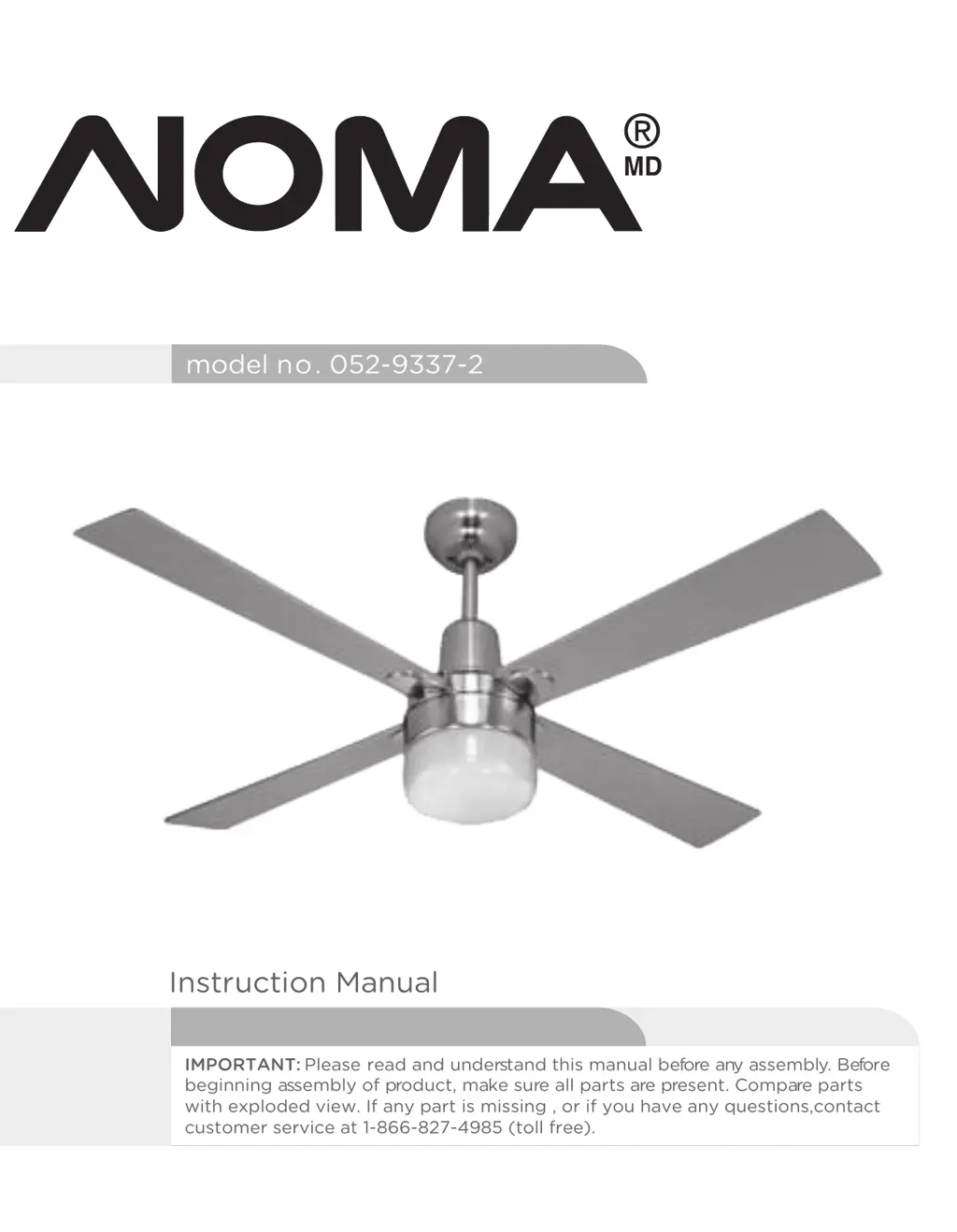
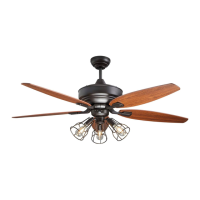
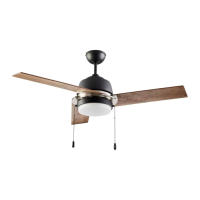
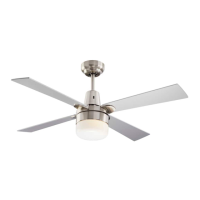
Loen 42" Ceiling Fan
model no. 052-9337-2
Instruction Manual
IMPORTANT: Please read and understand this manual before any assembly. Before
beginning assembly of product, make sure all parts are present. Compare parts
with exploded view. If any part is missing , or if you have any questions,contact
customer service at 1-866-827-4985 (toll free).
Toll Free: 1-866-8
Total weight of fan plus light kit are 5.8 kgs
27-4985

Questions and Answers

  • L
    Laura StanleyAug 5, 2025
    Why my NOMA Loen Fan does not start?
    • D
      Darren DavisAug 5, 2025
      If your NOMA Fan does not start, the issue could be a blown fuse or a tripped circuit breaker. Check the main fuse and branch circuit fuses or the circuit breaker and repair as necessary. Another potential cause is loose or incorrect power line connections to the fan or switch wires. Check all wire connections to the fan and housing wiring, and repair as necessary. Be cautious and ensure the main power is off before checking the wiring.
  • B
    Brandi SmithAug 11, 2025
    How to fix light that does not work on NOMA Loen Fan?
    • D
      David CalderonAug 11, 2025
      If the light on your NOMA Fan is not working, first ensure the wire connector in the switch housing is properly connected. If it still doesn't work, the light bulb might be faulty; unscrew and discard it properly. Also, this fan is equipped with a 70 W limiter that will automatically turn off if the total wattage exceeds the maximum wattage level. Turn the power OFF and replace the bulb with a lower wattage bulb so that the total wattage is below 70W.
  • A
    Anthony LoganAug 16, 2025
    What to do if my NOMA Loen Fan is noisy?
    • J
      Jennifer FordAug 16, 2025
      If your NOMA Fan is noisy during operation, there are several potential causes. Start by checking and tightening all screws on the blades, the mounting bracket, the canopy, and the decorative housing. Also, ensure the glass shade or bulb is tightened by hand. Check the screws securing the downrod to the hanger, and if wire connectors are vibrating, disconnect power at the fuse box, loosen the canopy, and reposition the connectors. Make sure that the light kit or light bulb is firmly attached. Ensure the canopy isn't touching the ceiling. Finally, check and tighten the motor housing screws.
  • M
    Michelle AllenAug 23, 2025
    What to do if NOMA Loen Fan wobbles or shakes excessively?
    • M
      Madison JonesAug 23, 2025
      If your NOMA Fan wobbles or shakes excessively, start by checking the screws that secure the fan blade clips to the motor, making sure they are fastened and tightened. Next, ensure that the fan blade and its blade clip are securely fastened by tightening the screws. Verify that the canopy and mounting bracket are tightly secured to the ceiling joist. If the issue persists, the blades might be unbalanced. Check this by measuring the distance from the ceiling to the tip of each blade, ensuring they are even. If not, adjust accordingly.
  • S
    Scott LawsonAug 29, 2025
    How to improve air movement of NOMA Fan?
    • A
      Alicia RamosAug 29, 2025
      If your NOMA Fan does not seem to move much air, first check if the fan is in reverse (blades moving clockwise). Counter-clockwise (forward) direction is recommended in warm weather. Also, ensure the fan is properly located in the center of the room with at least 12" (30 cm) of space between the blade ends and walls or other obstructions.

Summary

Exploded View

Important Safety Instructions

Rules for Safe Installation

Tools Required for Assembly

Assembly: Preparation and Location

Preparing for installation

Instructions for preparing the workspace and unpacking parts before assembly.

Choosing a location for the ceiling fan

Guidance on selecting the optimal room location and ensuring ceiling support.

Mounting options

Details on drop-mount installation for standard, sloped, or high ceilings.

Assembly: Mounting and Wiring

Mounting bracket

Instructions for securely attaching the mounting bracket to the ceiling joist or outlet box.

Attach blade assembly to motor

Steps for attaching fan blades to the blade arms and then to the motor.

Hands-free wiring

Procedure for lifting the fan assembly onto the bracket and preparing for wiring.

Assembly: Electrical Connections

Wiring instructions

Detailed instructions for safe electrical wiring, including grounding and remote pairing.

Installing Receiver Assembly

Steps for installing the receiver into the drop rod hanging bracket before canopy attachment.

Assembly: Final Connections

Between fan and receiver

Connecting wires between the fan unit and the receiver as per color coding.

Between receiver and mains

Connecting the receiver to the main power supply wires from the outlet box.

Attach assembly to mounting bracket

Securing the fan assembly to the mounting bracket using canopy holes and screws.

Installation of light

Instructions for installing the bulb and glass shade into the light fitting.

Operation: Fan Controls

Turn fan on;off & select fan speed

How to use the remote control to turn the fan on/off and adjust fan speed.

Forward and reverse direction function

Explanation of the reverse switch for changing airflow direction (summer/winter).

Forward function

Using the fan for counter-clockwise rotation to create a cooling effect in warm weather.

Reverse function

Using the fan for clockwise rotation to re-circulate warm air in cooler weather.

Maintenance and Care

Care and Cleaning Instructions

Troubleshooting: Fan Issues

Troubleshooting: Specific Problems

Light does not work

Troubleshooting steps for when the fan's light fixture is not functioning correctly.

Fan does not seem to move much air

Diagnosing and resolving issues where the fan's airflow is insufficient.

Fan wobbles or shakes excessively

Steps to address excessive fan wobbling or shaking due to loose parts or imbalance.

Environmental Protection

Product Warranty Information

NOMA Loen Specifications

General IconGeneral
TypeCeiling Fan
Number of Blades5
Speed Settings3
Remote ControlYes
ModelLoen
Blade Span52 inches
Motor TypeAC
MaterialMetal

Related product manuals