8.5
Play music
Open the music library, and select your desired music to listen it.
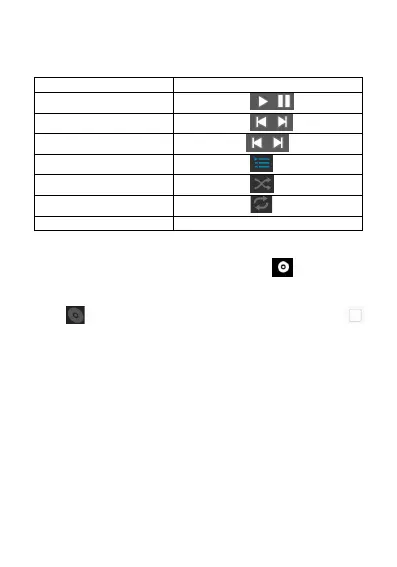
8.6 Control buttons of the music player
8.7 Hide, activate and turn off the music player
Pressing the home button can hide the music player, and using other
application can continue you music playing. shown in the
status column indicates the music player is playing songs. Sliding
down the status column enables you to view the details. Click and
press to return to the music player interface. Pressing
enables pauzing of music playing, and pressing the home button
enables you to return to the home screen.
9. Camera
Your phone is installed with an 13 mega-pixel camera for shooting.
You can take a picture of anything via the camera, and then set any
picture as wallpaper or share pictures via message, Bluetooth, email,
etc. The phone saves the pictures you take into external SD card and
internal storage.
Note: in order to reach the best shooting effect, please clean the
camera before shooting. Please respect rights and interests of others,
and observe local laws, regulations and customs when taking a
picture.
9.1 ake picture



 To Next Page
 Loading...