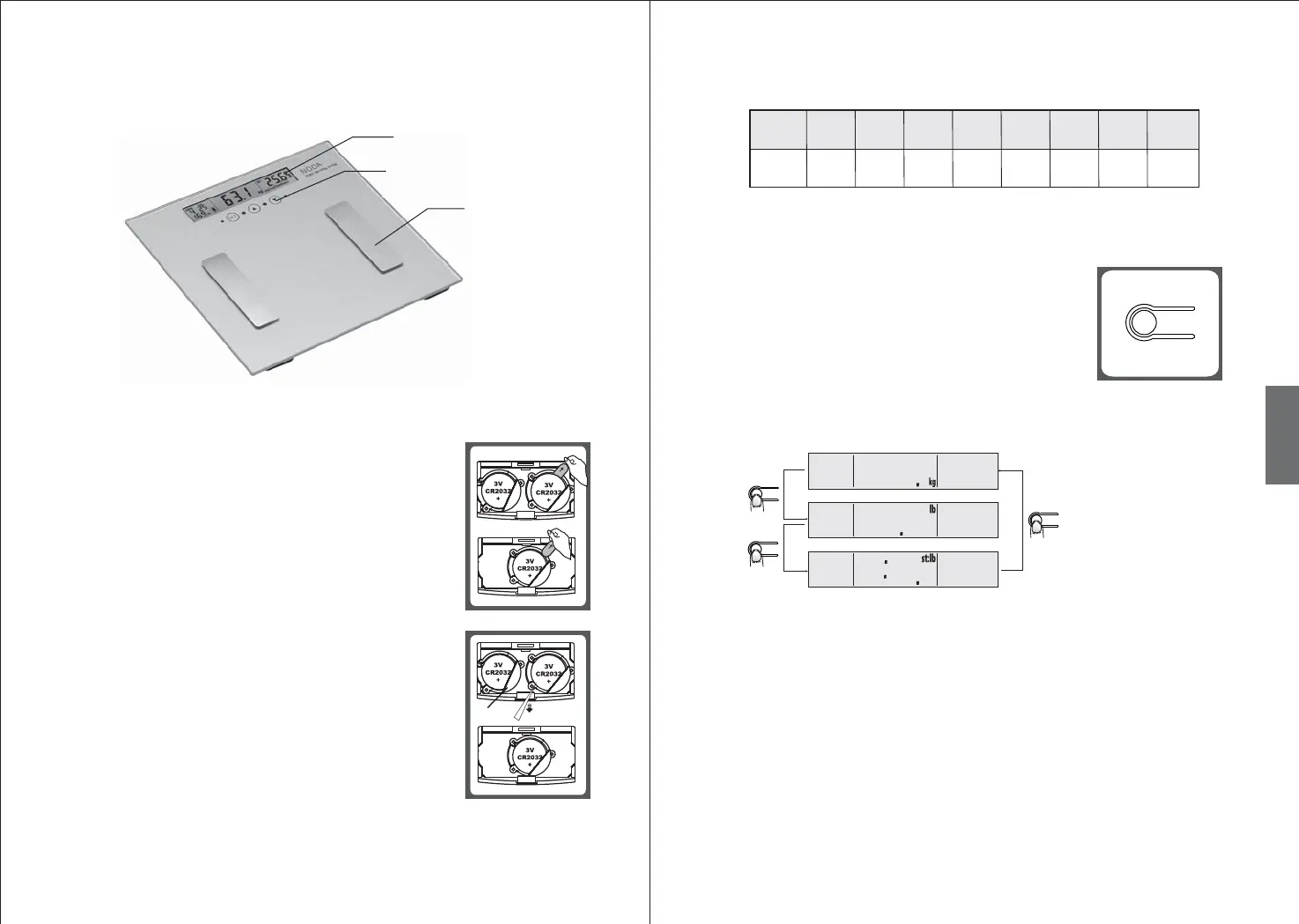
REPLACING BATTERIES
Depending on the model of your scale, the scale may operated by
one CR2032 (3V) lithium baery or two CR2032 (3V) lithium
baeries (included). Before first use, remove the insulation strip
at the baery compartment.
6 7
GB
PERFORMANCE INDEX
0.1% 0.1% 0.1%
150kg
330lb
0.1kg
0.2lb
4.0%
~60.0%
27.5%
~66.0%
20.0%
~56.0%
2kg
4.4lb
Min
Weighing
Capacity
Max
Weighing
Capacity
Division
Fat%
Range
Fat%
Division
Hydration%
Range
Hydration%
Division
Muscle%
Range
Muscle
Division
1. Open the baery compartment cover.
2. Remove the old baeries (if any) using a sharp object as
shown in the picture. Install one CR2032 (3V) lithium baery
or two CR2032 (3V) lithium baeries. Make sure the positive
(+) is facing upwards.
HINT: Make sure one side of the baery is placed underneath
the baery baffle, then push the other side of the baery
until it clicks and secured.
3. Close the baery compartment cover.
Baery baffle
CHANGING WEIGHT UNIT
Depending on the model of your scale, your scale may support
weight units in kg/lb/st.
Press the UNIT buon repeatedly at the rear of the scale to
select your desired unit of weight. The units will be displayed
in the LC display.
Aer the weight unit is confirmed, the scale will automatically
switch off in 3 seconds. The selected unit will be shown on the
display when the scale is switched on again.
HINT: If the weight unit "lb/st" is selected, "feet/inch" is the
default height unit; if the weight unit "kg" is selected, "cm" is
the default height unit.
Press
Press
Press
LCD
LCD
LCD
PRODUCT OVERVIEW


 To Next Page