.
Reply All: If Reply All is selected, when you click reply to a message,
everyone who was on the original email is added to your reply. That said, so
far I haven’t seen this setting have any effect yet. When you click Reply
Now, you get all reply options, including Reply and Reply All. For more
about using email, see Chapter 9.
.
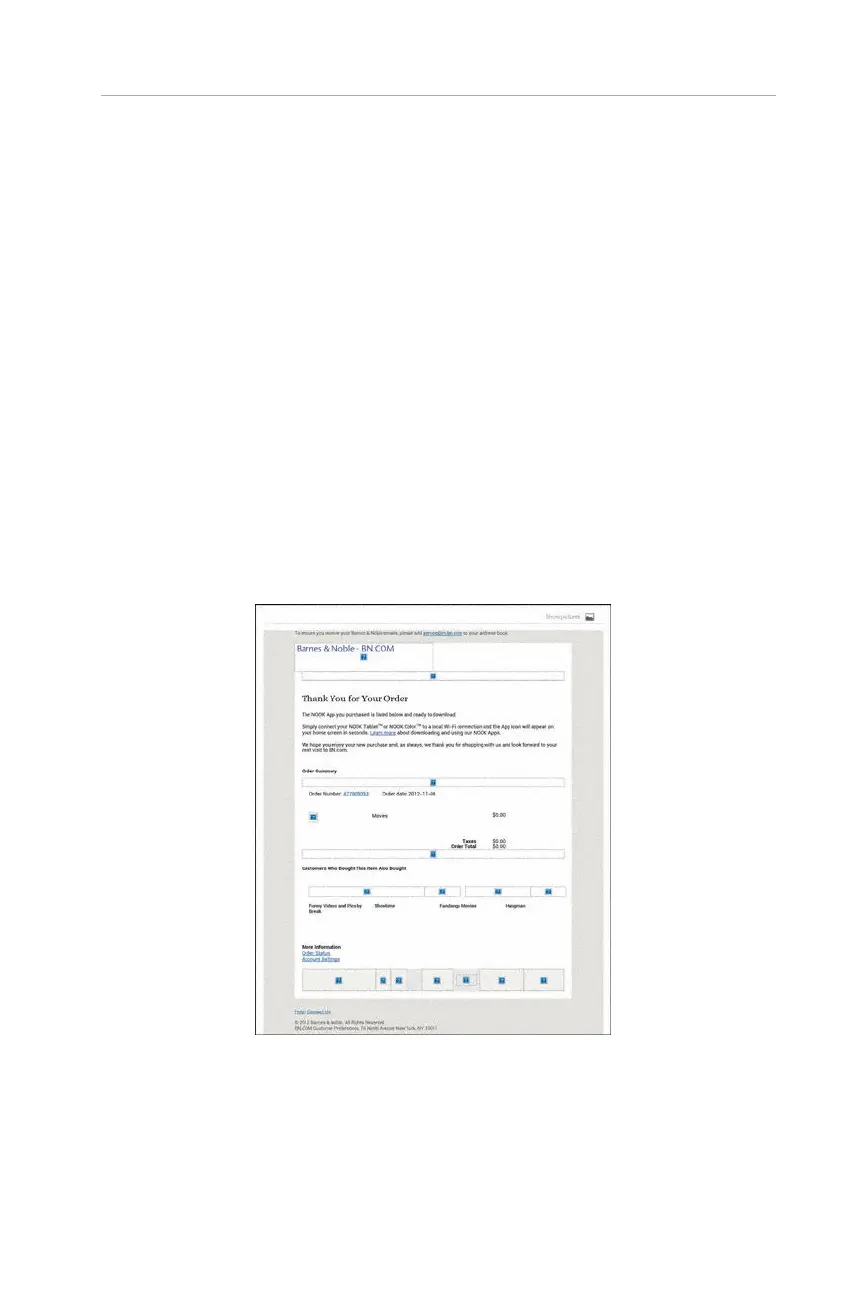
Ask to Show Pictures: Emails take longer to download if the images are
automatically downloaded. By default (and this is an option in the actual
email application), you can choose to always show pictures from a particular
sender. This setting enables you to clear those times when you said, “Yes,
always show pictures from bn.com.” Figure 2.10 shows an email where pic-
tures are not automatically shown. Figure 2.11 shows that same email after
showing pictures.
When you tap individual accounts, you get specific options related to that account
(see Figure 2.12). First, you get some basic information. You can change the Account
Name and Your Name. Just tap the option, enter the change, and tap OK.
27
Your NOOK’s Settings
FIGURE 2.10 An email without the pictures showing.



 To Next Page