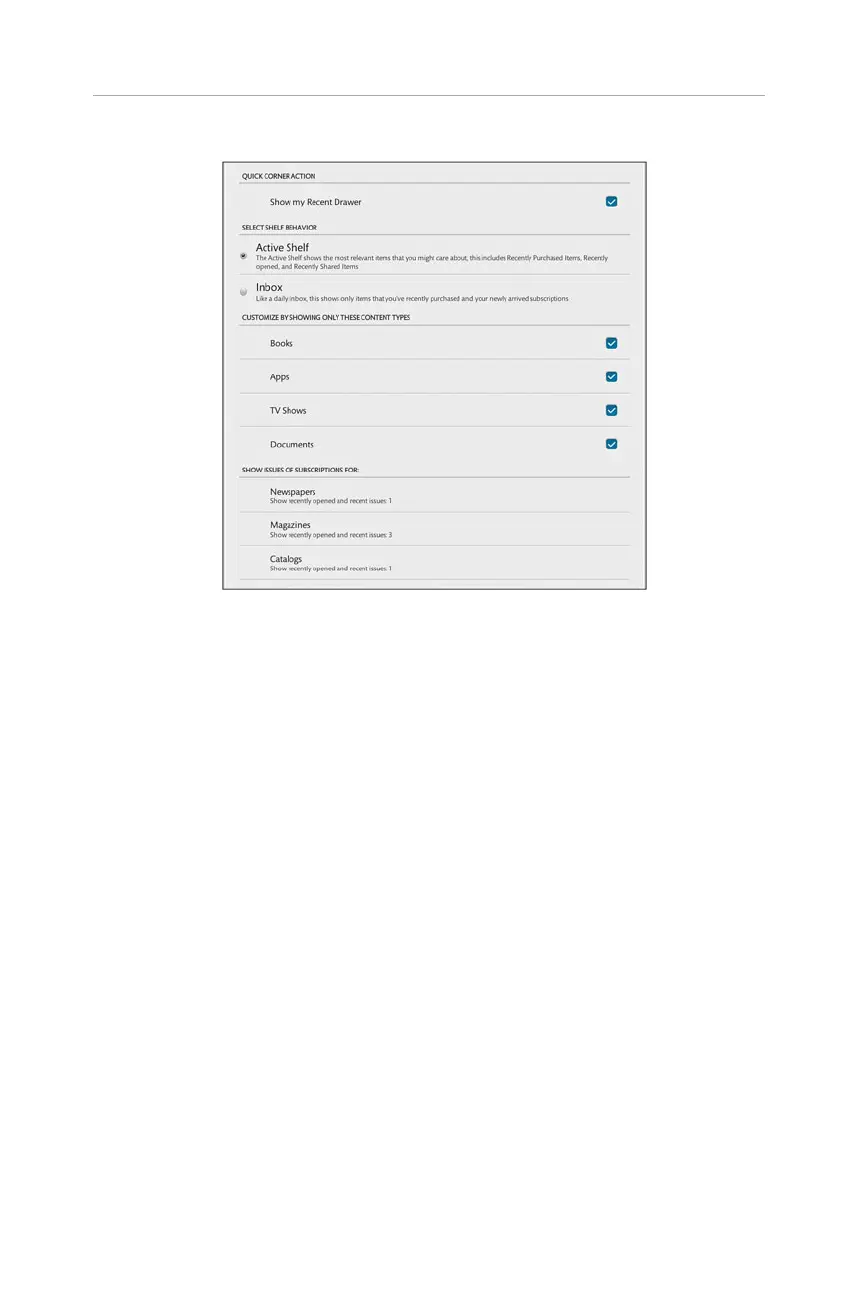
FIGURE 2.9 The Home Screen settings.
You can customize what you see in the Active Shelf by selecting from the options in
Customize by Showing Only These Content Types. Turn off (that is, remove the
check mark) for those items you don’t want to appear in the Active Shelf. Documents
are documents and files you have added to the NOOK outside of purchasing at the
NOOK Store
™
.
You can also manage how many of each subscription appears in the Active Shelf. You
can set up Newspapers, Magazines, and Catalogs individually. Tap each one and
choose from none, 1, 2, 3, or all.
Email Settings
The options give you control over how the email application functions. You can also
add and remove any accounts. See Chapter 9, “Using NOOK Apps and Surfing the
Web,” about setting up an email account. For the general email settings, you have sev-
eral options:
.
Auto-Advance: Tap this to choose between Newer Message, Older
Message, and Message List. Whenever you open a message and delete it, the
screen shifts to whichever option you select here.
.
Message Text Size: Think of this as the font size for your email. Tap it and
pick the size you want.
26
CHAPTER 2:
Customizing and Configuring Your NOOK HDs



 To Next Page