.
Select Date Format: This enables you to choose how you want the day,
month, and year to appear.
.
Notifications: If you don’t want to receive notifications when email arrives,
a friend is offering a LendMe book, and so on, turn this option off.
Applications Settings
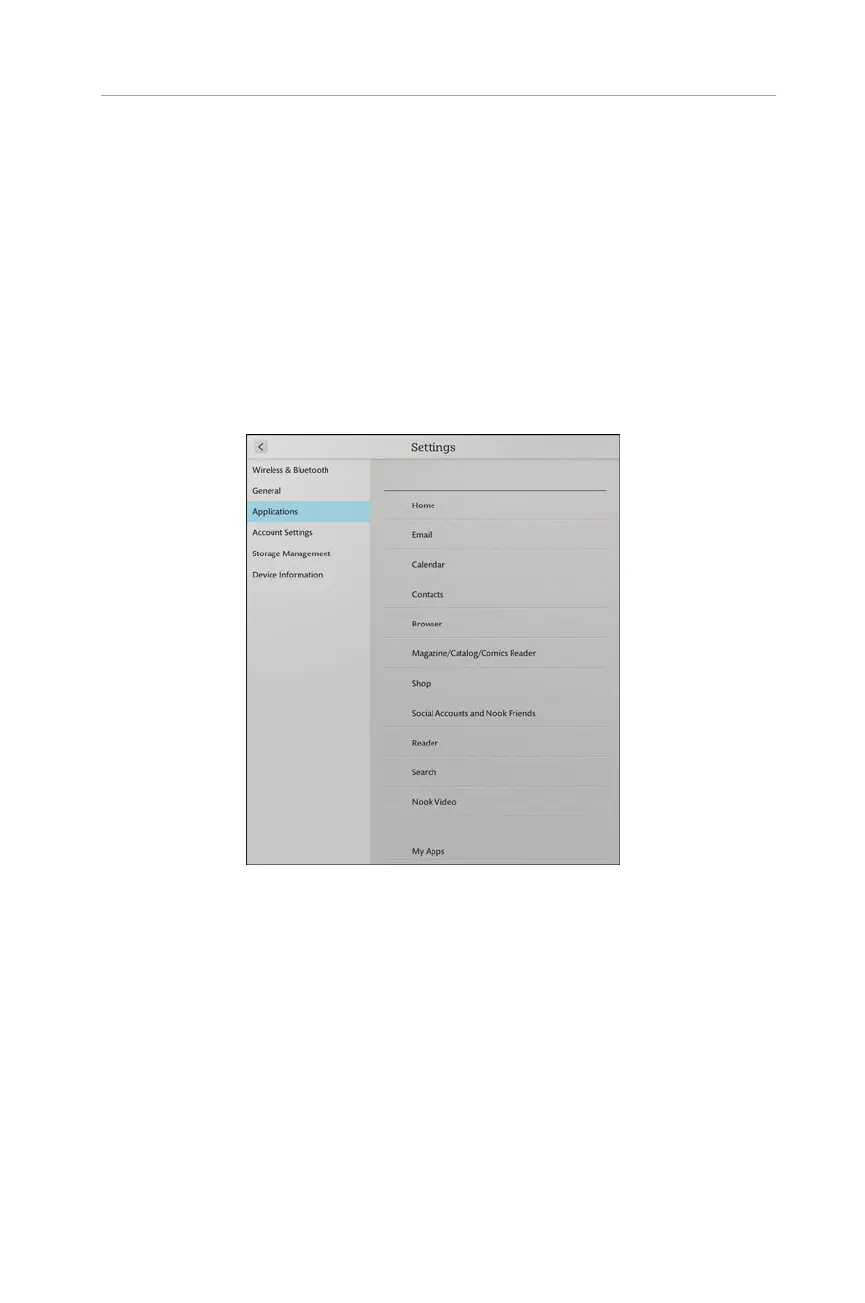
The options here (see Figure 2.8) are the ones that can be found contextually, but each
is covered in turn.
25
Your NOOK’s Settings
FIGURE 2.8 The Application settings screen.
Home Settings
The Home options (see Figure 2.9) control how the Home screen and Quick Corner
Action work. The Quick Corner Action item determines if the Quick Corner Action
either opens the Recent Drawer or opens what you were last reading.
Select Shelf Behavior defines how the Active Shelf operates. By default, what you see
in the carousel of the Active Shelf shows recently purchased items, any apps, books,
or videos you have recently viewed, and so on. If, however, you choose for Active
Shelf to be Inbox, what you see in the carousel shows only new purchases and new
subscription deliveries.



 To Next Page