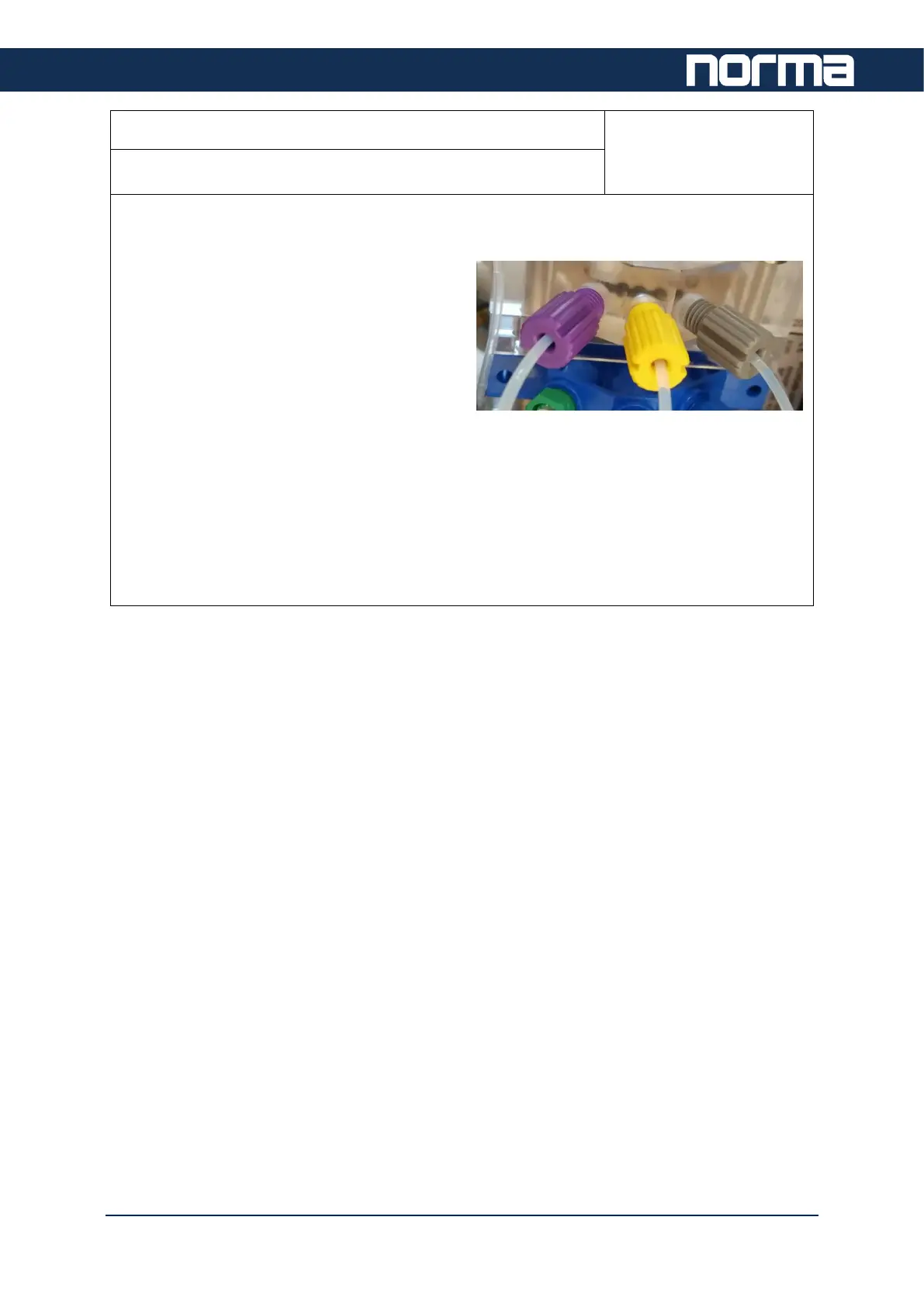
To make sure that all connections are secure, go through all UNF screws and check their
tightness.
- Use your fingers and the UNF tool if
needed.
- Overtightening may cause damage to
the threads, but loose connection will
cause leakage in the fluidic system
which will show up in erroneous
results.
- If there are visible white salt deposits on the connector, it is a sign of leakage.
- Unscrew this UNF and clean off the residuals. Check the condition of the UNF
screw and the other part as well.
If the UNF connector of the tube or the other part (for example valve manifold) is damaged
or cracked, then replace it.


 To Next Page