TDMG0002 Icon-5 Maintenance Guide – Version: 02 – Release date: 2020-04-27
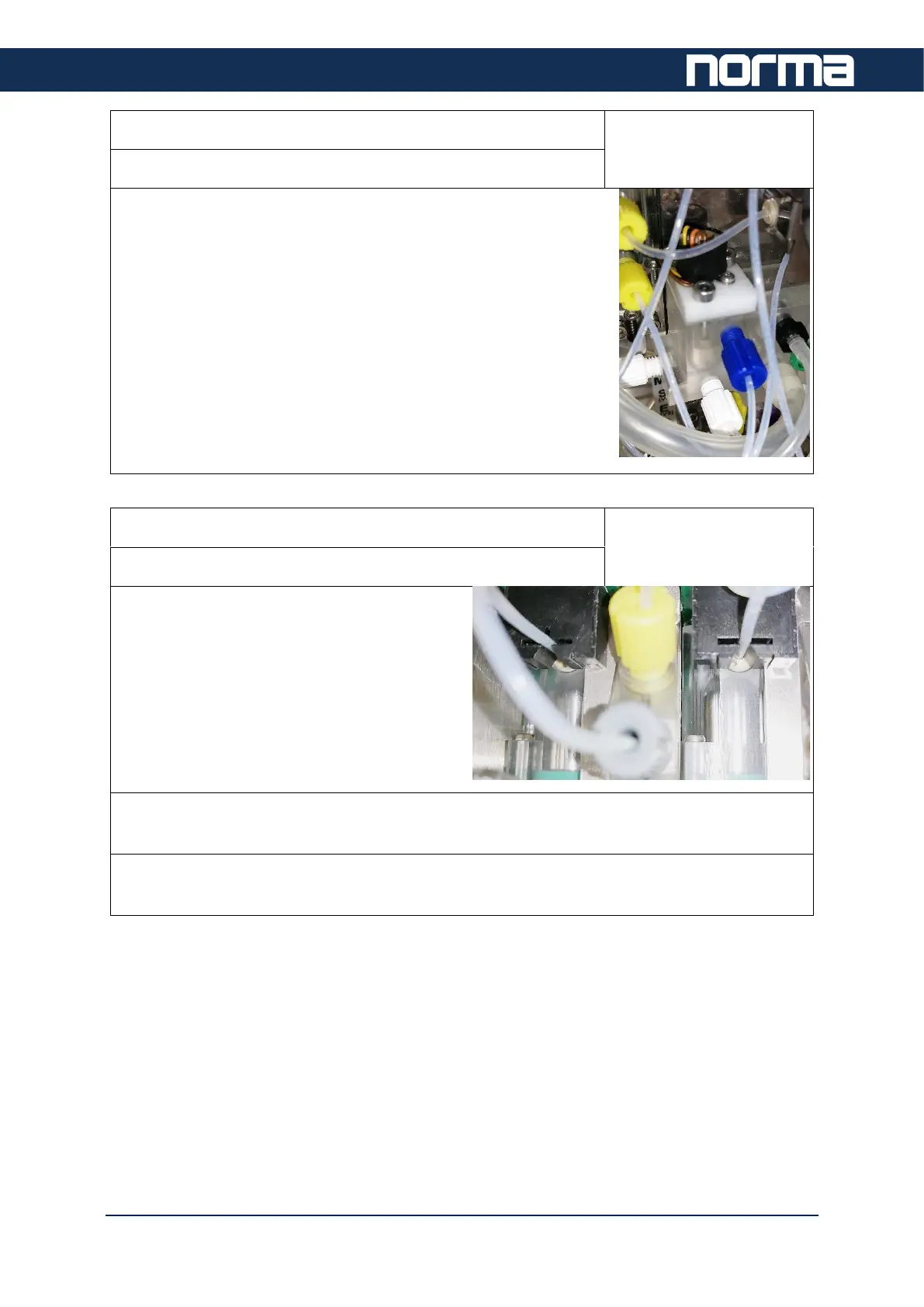
Step 10: Verify Mixer operation
Frequency:
1 year or 10000 samples
Get access to service level and check if the mixer is working
properly.
In case of any error, replace the mixer.
Step 11: Reagent sensors and connections
Frequency:
1 year or 10000 samples
Make sure all tubes are properly placed in
the reagent sensors.
It should “click” in.
In case there is a liquid detection problem, clean the sensors with a brush. Run priming
sequence to see if the sensors are working properly.
Check reagent pickup tube connections to analyzer and reagent containers. In case a
connection is loose damaged cut 10mm from the end of tubing and reconnect.


 To Next Page