Norstar Doorphone Installation Guide
17
Installation
Step 4: Program Doorphone (cont’d)
If a door opening device is installed (from step 10):
10.Press
CHANGE
until the display shows
ERM
or
DOC
. Press
OK
.
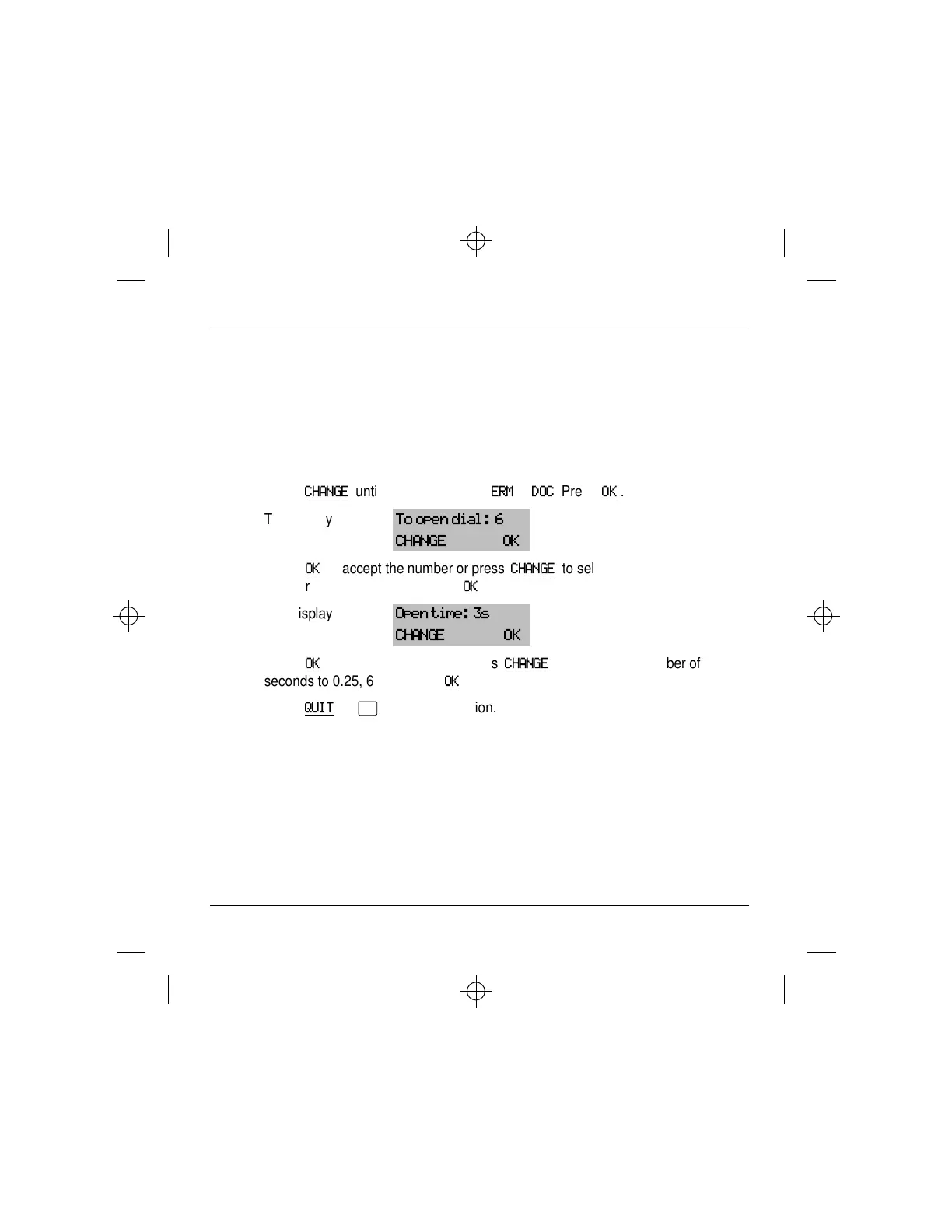
The display shows:
To open dial: 6
CHANGE OK
11.Press
OK
to accept the number or press
CHANGE
to select a
number between 0-9, * or # then
OK
.
The display shows:
Open time: 3s
CHANGE OK
12.Press
OK
to accept 3 seconds or press
CHANGE
to change the number of
seconds to 0.25, 6 or 15 then
OK
.
13.Press
QUIT
or
®
to end this session.



 To Next Page