Norstar Doorphone Installation Guide
2
Installation Overview
Doorphone Compatibility
The Doorphone is compatible with and supports the North American KSU platforms
for DR2, DR3, DR4, DR5, Modular ICS Release 1-T1, Centrex and greater, for 3X8,
Compact and Modular systems.
Installation Overview
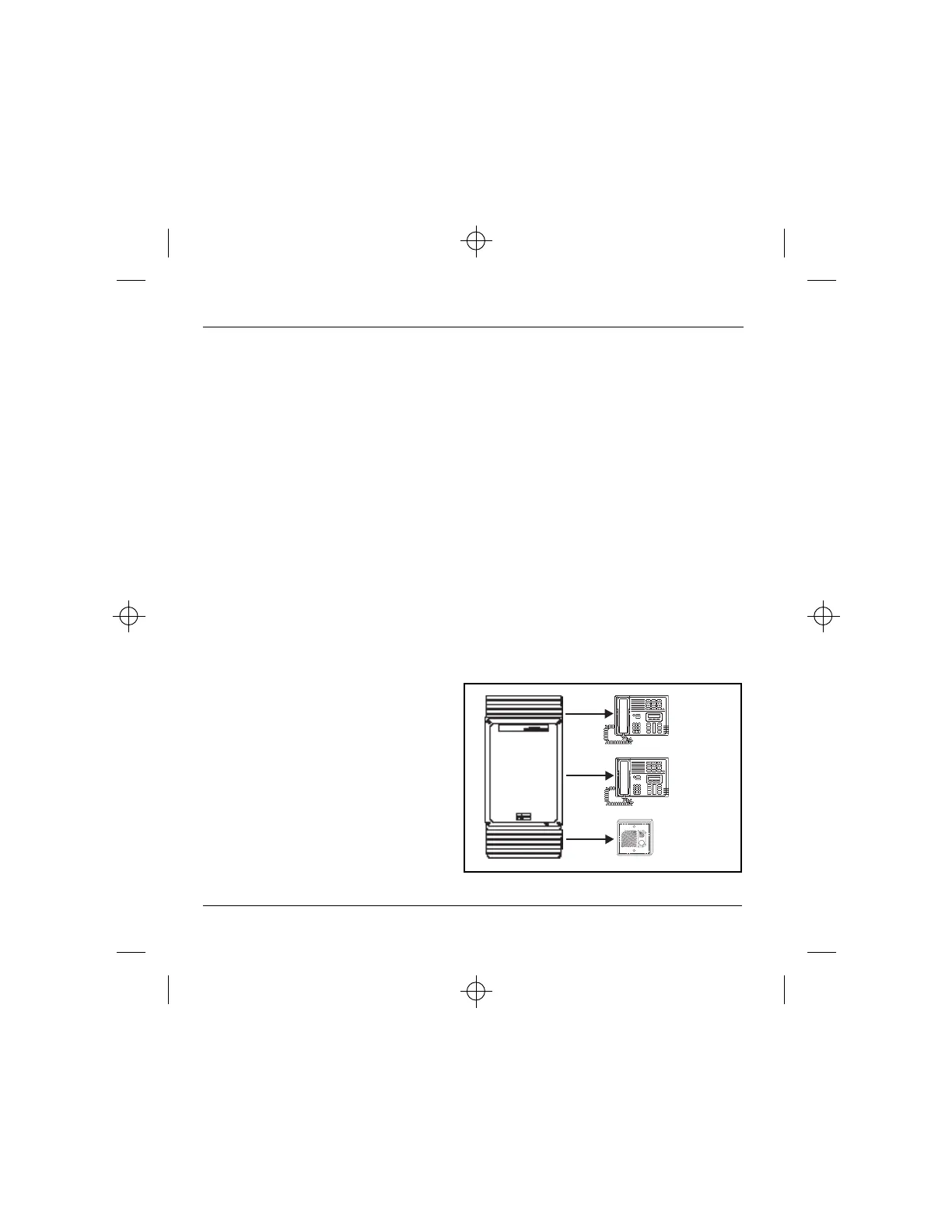
The Doorphone will identify itself to the KSU as an M7208 Norstar telephone.
There are five steps to follow when installing a Doorphone:
1. Select a station port for the Doorphone and determine the Directory Number.
2. Program the Station Port Parameters.
3. Wire and Mount the Doorphone.
4. Program the Doorphone.
5. Test the Doorphone.
Ext. 23
Ext. 22
Ext. 21
Figure 2 – Installation Overview



 To Next Page