6
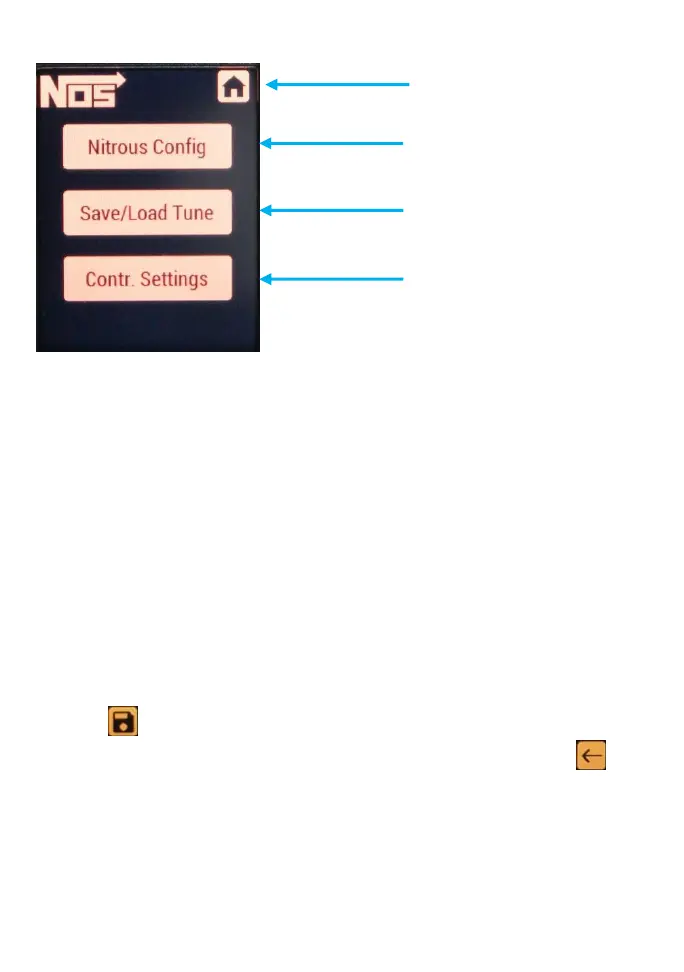
In the Nitrous Configuration menu, you will be presented with a choice of
three menus – System Setup, Stage 1, & Stage 2. NOTE: The controller will
come pre-programmed with default values. These are only placeholders
and will need to be configured.
STAGE SET UP PROCESS
1. Enter Nitrous Config. Menu and select Stage 1.
2. Enable the stage and input the activation and deactivation RPM
using the slider or manual entry by pressing the number.
3. Run the Ramp Builder App.
4. Enter the Start %, End %, Delay Time, Ramp Time, & Stage
Duration. When satisfied with your inputs press the save button
to configure the Stage 1 Ramp.
5. Go back to the Stage 1 Menu by pressing the back button .
6. (OPTIONAL) The Graph menu will show a visual representation of
what the Ramp Builder created. This curve can be adjusted and
fine-tuned to your preference. Select the desired point by using the
left and right arrows found at the bottom of the screen. The red
highlighted point will show you which point is active. Move the


 To Next Page