ENGLISH
8
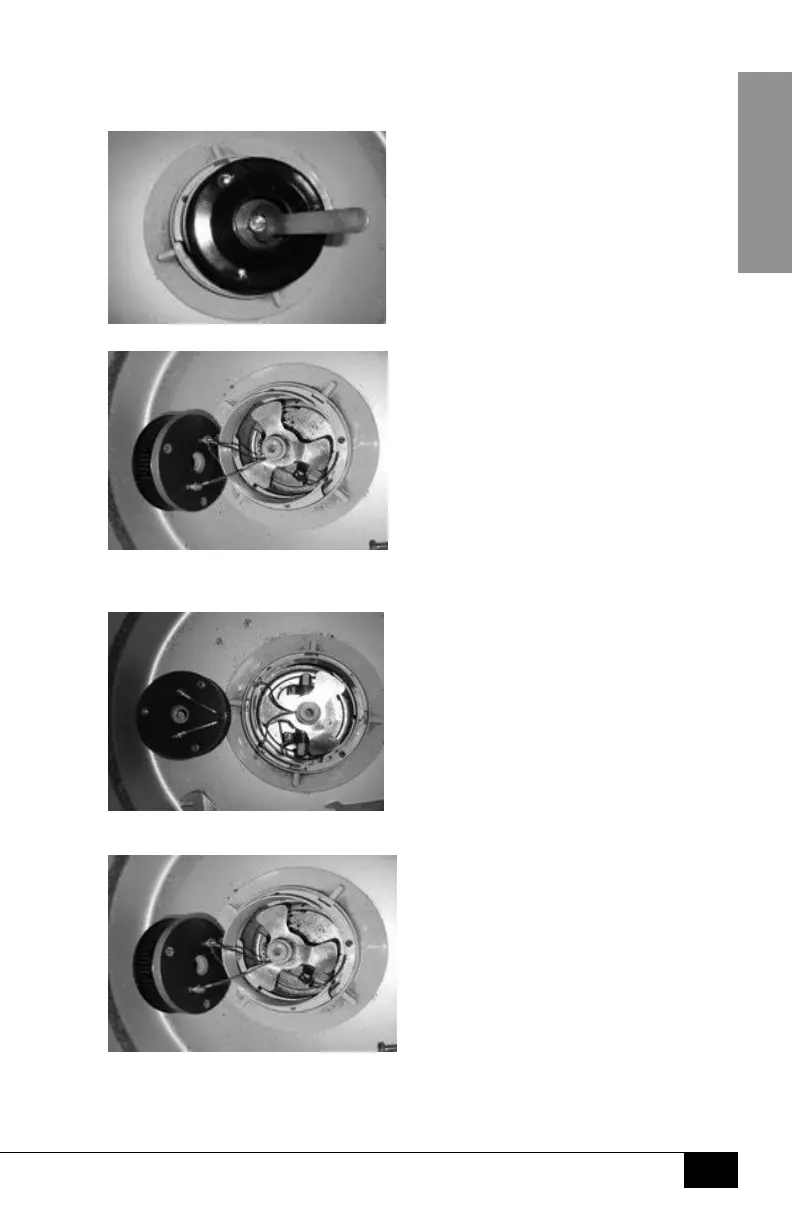
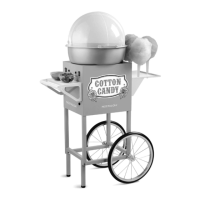
CHANGING EXTRACTOR HEAD
1. Before changing the Extractor Head, make sure that the machine is turned
OFF, unplugged, and that the Extractor Head has cooled completely.
2. Use #1 Wrench (K) to remove the center bolt.
3. Use pliers to loosen and remove the red and black wires
from the bottom of the Extractor Head.
4. Attach the red and black wires to the new Extractor Head and tighten.





 To Next Page