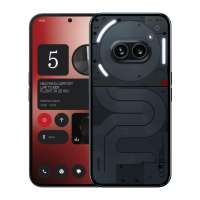
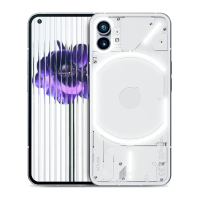
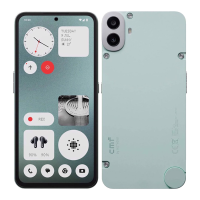
Nothing Phone (2) User Guide
Due to software updates, your experience of the software interface (including but not limited to
software features, user interfaces, and interaction experiences) may differ from the interface
presented in this guide. The software interface is subject to change.
Table of contents
Getting Started
• Hardware Layout
• Charging
• Navigation
• Launcher
• Quick Settings / Notications
Basics
• Network
• Connected Devices
• Installing / Deleting Apps
• Battery
• Storage
• Sound & Vibration
• Display
• Glyph Interface
• Screen lock & Security
• About Phone (2)
Advanced
• App Shortcuts
• Expanded Icons
• Do not disturb
• Google assistant
• Reverse charging
• Screenshot
• NFC
FAQ

 Need help?
 General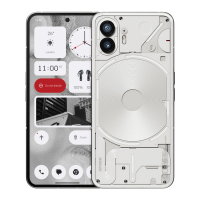

 To Next Page