User Manual - R.Test Evolution 4 EN V2019-12/06/2019 Page 33
5.9.2 Disconnection of the cable
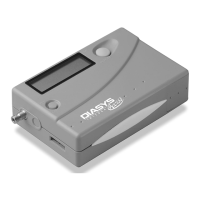
To disconnect an R.Test from the cable:
After having turned over the R.Test-connector, it is necessary to:
• press firmly on the serrated part of the connector, using the thumb
and forefinger, before
• releasing the R.Test from the connector by moving them apart.
5.10 Resuming monitoring
5.10.1 Without changing batteries
It is possible, after reading the R.Test data, to continue the recording for the same
patient. Simply reconnect the R.Test and its cable to the patient electrodes, the
procedure continues automatically.
5.10.2 Changing batteries
Change the batteries as indicated in §5.3 Inserting new batteries. After the start up,
the led must flicker green once every five seconds. Then simply reconnect the R.Test
and its cable to the patient electrodes, the procedure continues automatically.



 To Next Page