Need help?
Do you have a question about the Novatel MiFi2200 and is the answer not in the manual?
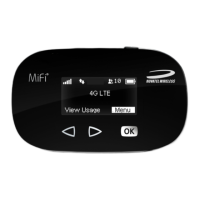
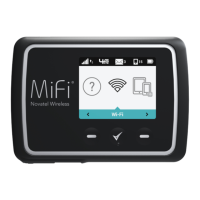
Introduces the MiFi 2200, its capabilities, and key features like sharing connectivity.
Identifies physical parts of the MiFi 2200 and explains LED indicators.
Details battery life, charging methods, and battery usage tips.
Step-by-step guide to connect the MiFi 2200 using a micro USB cable.
Guide for first-time use, including battery insertion and charging.
Instructions on how to turn the MiFi device on and off.
Steps to connect the MiFi 2200 to a computer via Wi-Fi.
Accessing settings, interface overview, and Home screen details.
Covers GPS status, configuration, and local search capabilities.
Manages administrative password and Wi-Fi security.
Manages Wi-Fi profiles, MAC filtering, and temporary hotspots.
Covers WWAN status, diagnostics, and configuration.
Configures device network access, modem, router, and system settings.
Backup and restore device configuration files.
Controls network traffic with port filtering and forwarding for security.
Controls LED behavior and power saving modes.
Views system info, logs, and restarts/resets the device.
Provides guidance on common problems and how to resolve them.
Explains the master reset procedure and where to find support.
Lists technical specifications and regulatory notices for the device.
Details safety hazards and proper battery handling procedures.
Outlines the product's warranty terms and conditions.
Provides definitions for technical terms used in the manual.
 General
| Brand | Novatel |
|---|---|
| Model | MiFi2200 |
| Category | Wireless Access Point |
| Language | English |


 To Next Page