EasyManua.ls Logo

NOVELLO IC-2A-BLACK - User Manual

NOVELLO IC-2A-BLACK
12 pages
Print Icon
To Next Page IconTo Next Page
Loading...
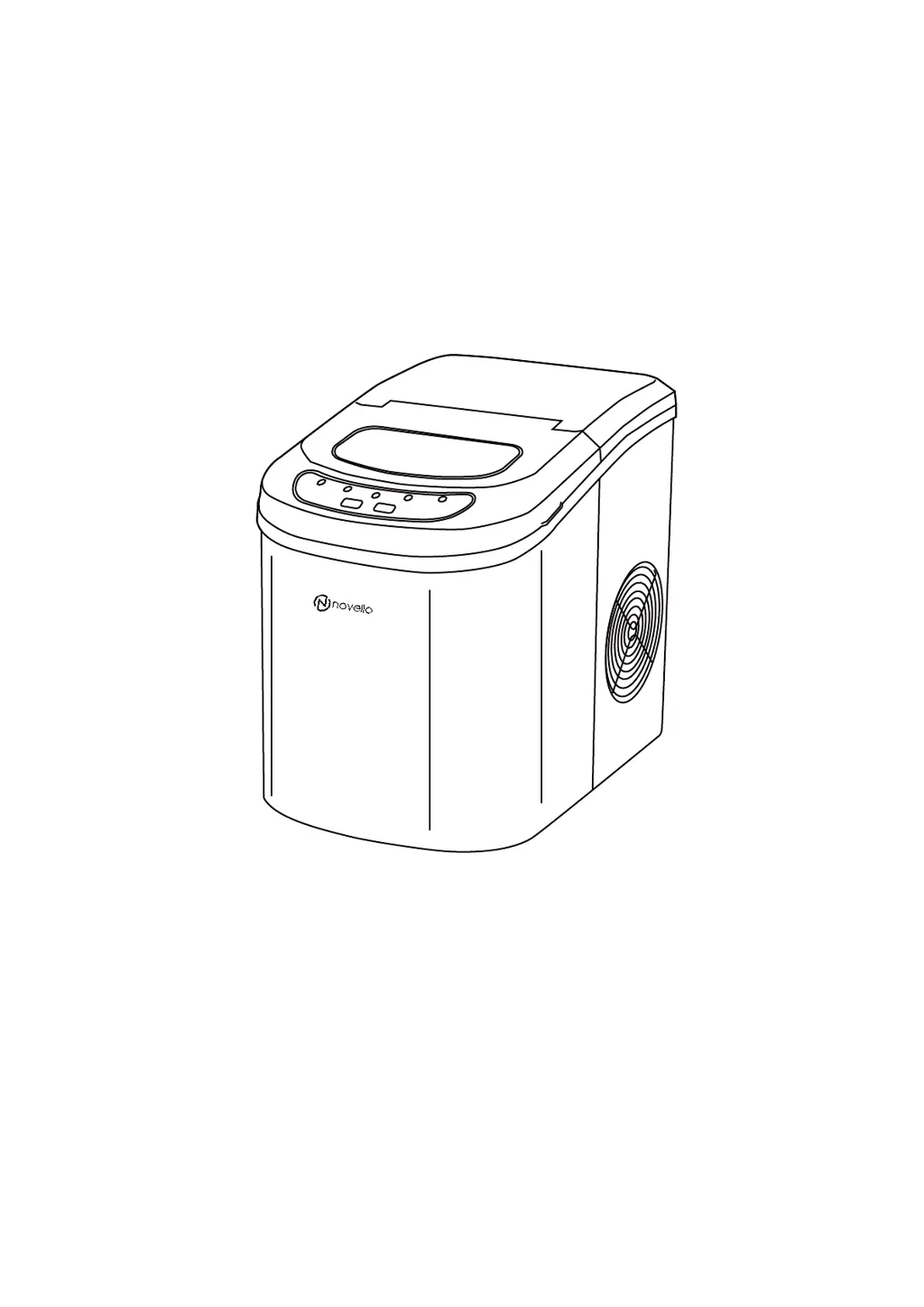
PORTABLE AUTOMATIC ICE MAK ER
IC-2A-BLACK
INSTRUCTION MANUAL
It is important that you read these instructions bef ore using your portabl e ice maker and we
strongly recommend that you keep them in a safe place for future reference.

Questions and Answers

  • M
    Mary GoodwinAug 11, 2025
    Why is the “Ice Full” indicator on my NOVELLO IC-2A-BLACK?
    • A
      Austin WalkerAug 12, 2025
      The “Ice Full” indicator illuminates because the ice basket is full. Remove the ice to resolve this. If needed, you can make ice for 10 cycles, even when the indicator is on, by pressing and holding the “Select” button for 5 seconds.
  • E
    eatoncraigAug 22, 2025
    What to do if my NOVELLO Ice Maker is making ice cubes that stick together?
    • C
      Christopher WilliamsAug 22, 2025
      If the ice cubes are sticking together, it could be due to a too-long ice-making cycle or water that's too cold. Try stopping the ice maker and restarting it after the ice melts. Also, select the small ice cube size option and ensure the water temperature is between 8-32 degrees.
  • G
    Gary JonesAug 31, 2025
    How to fix a NOVELLO IC-2A-BLACK when the “Add Water” indicator is on?
    • A
      angela73Aug 31, 2025
      The “Add Water” indicator means the unit is detecting a lack of water. To resolve this, stop the ice maker, add water to the unit, and then press the “ON/OFF” button to restart it.

NOVELLO IC-2A-BLACK Specifications

General IconGeneral
ColorBlack
Ice Storage Capacity1.5 lbs
Ice ShapeBullet
Power Supply120V/60Hz
Power Consumption120W
Weight17.2 lbs
Control TypeElectronic
Indicator LightsYes
Automatic Shut-offYes
Self-cleaning FunctionYes
Product TypePortable Ice Maker
Ice Production (24h)26 lbs
Ice Cube Size OptionsSmall, Large
Ice Making Cycle Time6-13 minutes
Water Tank Capacity2 L