Need help?
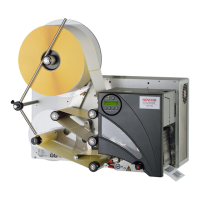
Do you have a question about the Novexx ALX 926 and is the answer not in the manual?
Details intended use, operator qualification, and technician requirements.
Details the control panel interface and available machine connections.
Details print speed, label sensor, and output modes.
Details data transfer and interpreter activity in online mode.
Describes offline mode and material feed functions.
Explains operation using a memory card.
Covers settings for print speed, material, and adjustment.
Details sensor types, ribbon economy, and print contrast.
Includes printhead tests and print tests.
Safety and steps for connecting power.
Connecting to data host and sensors.
Details specific error codes, causes, and solutions.
Step-by-step guide for replacing the printhead.
 General
| Brand | Novexx |
|---|---|
| Model | ALX 926 |
| Category | Barcode Reader |
| Language | English |


 To Next Page