Tha nk you fo r using n oyafa ’s produ ct
wel come to u se next t ime
bye !
2. Backlight brightness: After entering main menu, move the cursor button
to backlight brightness.Then press OK;at this time,3 kinds them
for you choose, press OK, press back to the main menu again to begin
other test.
3. Backlight time : After entering main menu, move the cursor button
to backlight time . Then press OK; at this time, 15s,30s,1min for
you choose, press OK, press back to the main menu again to begin other
test.
4. Auto power-off : After entering main menu, move the cursor button
to Auto power-off . Then press OK; at this time, 5 kinds of them
for you choose, press OK, press back to the main menu again to begin
other test.
5. System theme: After entering main menu, move the cursor button
to System theme . Then press OK; at this time, 3 kinds of them
for you choose, press OK, press back to the main menu again to begin
other test.
6. Export data : After entering main menu, move the cursor button
to Export data . Then press OK; at this time, you can export all of the data
which you saved into the TF card that makes you can check them more
convenient on computer. (When you export the data , you just insert the TF
card , when you do this step ok , it will show you a battery symbol on the left
)
Shutdown
When you finished all the operation, please remember shut down the device
to keep it.
27
28
Your excellent helper in cable test!
Your excellent helper in cable test!
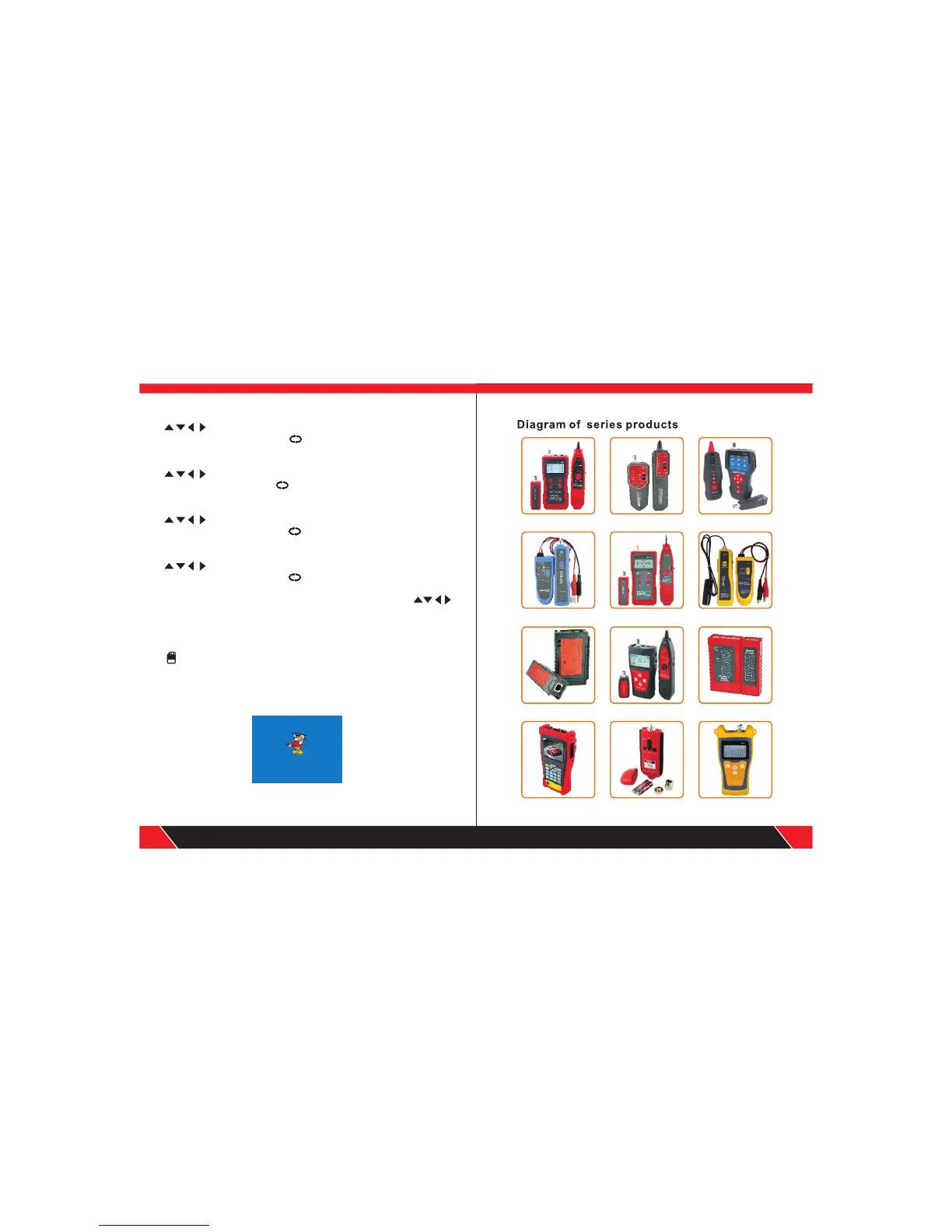
NF-701 NF-905 NF-906A
NF-806B
NF-468L NF-300 NF-HDMI
NF-838 NF-816
NF-868 NF-268 NF-8601


 To Previous Page
 Loading...