EasyManua.ls Logo

NPG NT-229W-P - User Manual

NPG NT-229W-P
44 pages
Print Icon
To Next Page IconTo Next Page
Loading...
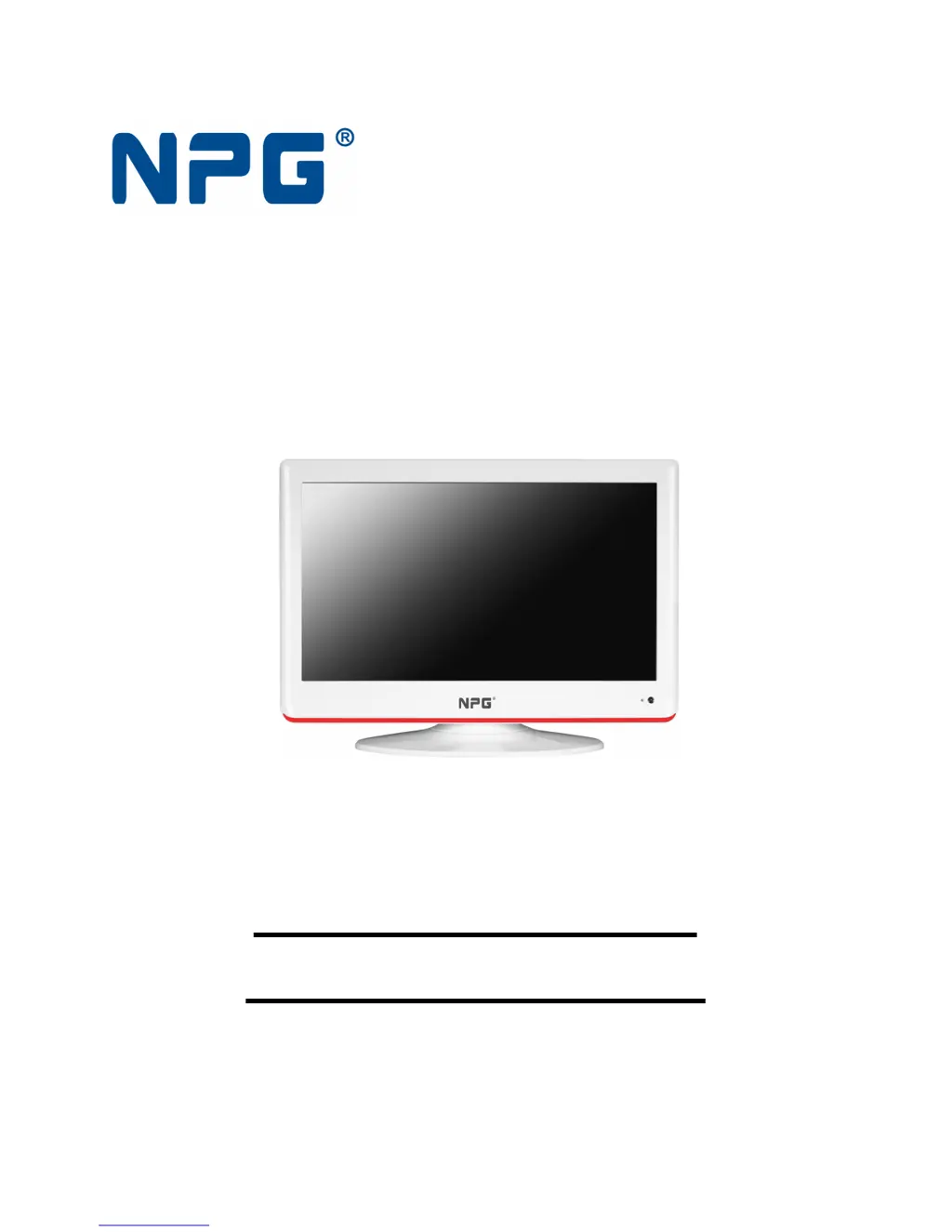
LCD COLOR TELEVISION
TELEVISIÓN TFT LCD
NT-229W-P
OPERATION MANUAL
MANUAL DE USUARIO
Please read this manual carefully before operation.
Por favor lea este manual atentamente antes de su uso.

Questions and Answers

  • W
    Wanda KellyAug 17, 2025
    Why is my NPG LCD TV remote control not working?
    • T
      Tara RobinsonAug 17, 2025
      If the remote control for your NPG LCD TV isn't working, first ensure there are no obstructions between the remote and the TV. Then, verify that the batteries are installed with the correct polarity (+ to +, - to -). Also, confirm that the remote is set to the correct operating mode (TV). If it still doesn't work, try installing new batteries.
  • M
    Marcus VelasquezAug 20, 2025
    What to do if my NPG LCD TV has picture but no sound?
    • G
      gfordAug 20, 2025
      If your NPG LCD TV has a normal picture but no sound, first check the volume level. Ensure that the sound is not muted by pressing the MUTE button. If that doesn't work, try another channel to rule out a broadcast issue. Finally, verify that the audio cables are installed properly.
  • D
    Donna ChenAug 22, 2025
    Why does my NPG NT-229W-P LCD TV power turn off suddenly?
    • R
      Regina MoodyAug 22, 2025
      If your NPG LCD TV is suddenly turning off, check if the sleep timer is set. Also, examine the power control settings. The power may have been interrupted, or there may be no broadcast on the tuned station with auto-activation enabled.
  • N
    nashveronicaAug 26, 2025
    How to improve poor color or picture on NPG NT-229W-P?
    • E
      Elizabeth RasmussenAug 26, 2025
      If your NPG LCD TV has no or poor color or picture, try adjusting the color in the menu options. Ensure there is sufficient distance between the TV and any VCRs. Try another channel in case the issue is with the broadcast. Check if the VIDEO cables are installed properly. You may also try activating a function to restore the brightness of the picture.
  • M
    Michelle MartinAug 28, 2025
    How to fix poor reception on NPG NT-229W-P channels?
    • S
      Susan NavarroAug 28, 2025
      If you are experiencing poor reception on some channels with your NPG LCD TV, the station or cable product might be experiencing problems, so try tuning to another station. The station signal may be weak, so reorient the antenna to improve reception. Check for sources of possible interference.
  • K
    Kevin AustinAug 30, 2025
    Why does the picture appear slowly on my NPG NT-229W-P?
    • K
      Kenneth FosterAug 30, 2025
      It is normal for the picture on your NPG LCD TV to appear slowly after switching it on, as the image is muted during the startup process. If the picture does not appear after five minutes, contact your service center.
  • K
    Kevin MendozaSep 2, 2025
    What causes horizontal bars or shaking picture on NPG LCD TV?
    • P
      Paige JohnsonSep 2, 2025
      If your NPG LCD TV is showing horizontal/vertical bars or the picture is shaking, check for local interference from electrical appliances or power tools.
  • M
    melinda19Sep 5, 2025
    How to remove lines or streaks from NPG NT-229W-P LCD TV pictures?
    • S
      Sara Hall MDSep 5, 2025
      If you see lines or streaks in the pictures on your NPG LCD TV, check the antenna and try changing its direction.
  • T
    Thomas BrooksSep 7, 2025
    How to fix no sound from one speaker on NPG LCD TV?
    • S
      Sean WrightSep 8, 2025
      If there is no output from one of the speakers on your NPG LCD TV, adjust the balance in the menu options.
  • L
    Leon ThompsonSep 12, 2025
    How do I fix vertical bars or incorrect position on my NPG NT-229W-P LCD TV?
    • M
      maddoxaaronSep 12, 2025
      To address a vertical bar or stripe on the background, horizontal noise, or an incorrect position on your NPG LCD TV, use the auto configure function or manually adjust the clock, phase, or H/V position settings.

Summary

Warning

General Safety Warnings

Covers electrical shock hazards, proper use, and handling precautions.

Regulatory Information

Details radio frequency energy emissions and interference correction measures.

Safety Instructions

Introduction

Installing Batteries

Step-by-step guide for inserting batteries into the remote control.

Remote Control

Turning On and Off the TV

No Signal

Explains the 'No Signal' message and automatic TV turn-off procedure.

Choosing a TV Channel

Details methods for selecting TV channels using buttons or number input.

Volume Adjustment

Instructions on adjusting volume levels and using the mute function.

Input Source

Using the Function

Overview of menu navigation and the general adjustment process.

Channel Menu

Instructions for accessing and adjusting channel settings in TV/DTV modes.

Picture Menu

Picture Mode Settings

Options for selecting display modes like HOME or USER for optimal viewing.

Contrast, Brightness, and Saturation

Adjusting picture quality parameters for contrast, brightness, and color saturation.

Sharpness and Tint Settings

Adjusting picture sharpness and color tint (NTSC) for clarity.

Screen and Advance Settings

PC-RGB mode settings for screen adjustment and advanced picture options.

Sound Menu

Sound Mode and Treble;Bass

Selecting sound modes and adjusting treble and bass levels for audio.

Balance, AVL, and Surround Sound

Adjusting audio balance, automatic volume control, and surround sound effects.

Timer Menu

Setting TV Timers

Configuring clock, on/off times, sleep timer, and auto sleep modes.

Option Menu

Country and Language Settings

Selecting country and OSD language preferences for the user interface.

Panel Lock and CI Information

Managing panel lock function and accessing CI module information.

System, Default, and Advance Options

System info, default settings, and advanced audio/subtitle language configurations.

DVR File System

DVR Disk and File System Management

Managing DVR disks, checking file systems, and formatting USB drives.

DVR Time Shift, Speed, and Record Time

Configuring time shift, read/write speed, and maximum recording time.

Digital Program Recording

USB Recording and Playback

Using USB drives for recording, playback, and managing recording functions.

EPG (Electronic Program Guide)

Accessing detailed channel and program information for current and future broadcasts.

Channel List and Management

Lock Menu

Lock System and Password Setup

Enabling system lock and setting a new password for security.

Program Blocking and Parental Lock

Blocking specific programs and setting parental controls for age-appropriate content.

Storage Operations

File Playback and Navigation

Basic operations for playing, pausing, stopping, and navigating media files.

Media Playback Controls

Using repeat modes, page navigation, and zoom for media playback.

Teletext Operation

Teletext Display and Page Selection

Entering teletext mode, selecting pages, and navigating through subpages.

Teletext Text and Information Features

Holding pages, enlarging text, revealing hidden info, and using color buttons.

Maintenance

Screen and Cabinet Cleaning

Procedures for cleaning the TV screen and cabinet to maintain appearance.

Extended Absence and Disposal

Advice for leaving the TV unused and proper disposal of old appliances.

NPG NT-229W-P Specifications

General IconGeneral
Screen Size22 inches
Brightness250 cd/m²
Contrast Ratio1000:1
Response Time5 ms
Viewing Angle170° (H) / 160° (V)
Input PortsHDMI

Related product manuals