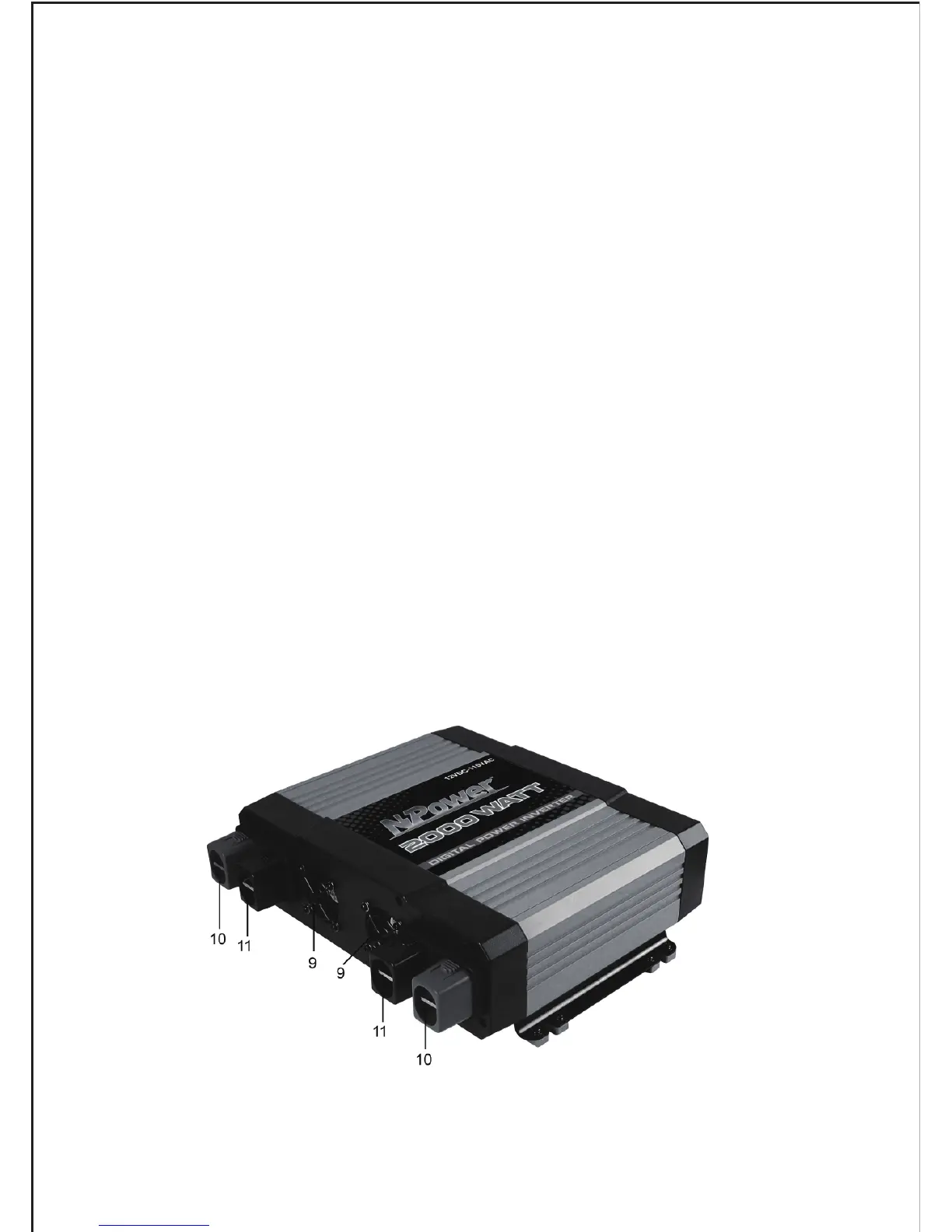
1. AC Outlets— They allow you to plug in 110V AC products with a total
continuous of 2000W or less.
2. Digital Readout—it indicates the power and DC voltages. The allowed
power tolerance is 15% (with loads of over 200W), and the allowed voltage
tolerance is +/-0.2V (no load).
3. Button Power Switch— Connect the inverter to the DC power and press
down the button power switch, the AC power is available.
4. Port for Remote Control— Connect the remote control switch and press
down the switch, the remote control function acts.(remote control switch is not
included.)
5. USB Port— Offer 5V power to USB equipment.
6. Red LED Indicator— Indicates that the consumption of the loads is under
1000 W, and the digigal display showing output power loads in watts.
7. Yellow LED Indicator — When the power exceeds 1000W, the yellow LED
indicator lights, and the digigal display showing output power loads in kilowatts.
8. Green LED Indicator— Indicates the digital display is showing DC input
voltage.
Figure 2
6.


 To Next Page