Need help?
Do you have a question about the Nuband FLASH PRO NU-G0070 and is the answer not in the manual?
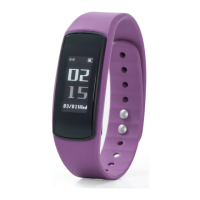
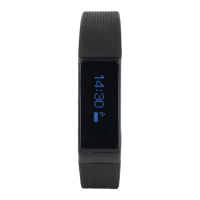
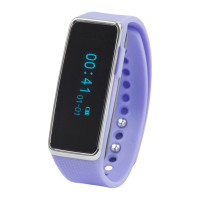
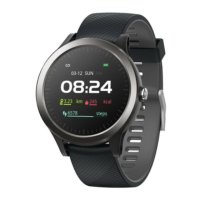
Details the diverse functions and capabilities of the Nuband Flash PRO fitness band.
Provides instructions for charging the device and pairing it with a smartphone using the DayBand app.
Explains how to use the home button and activate the screen.
Provides instructions on how to properly switch off the Nuband Flash PRO.
Guidance on wearing the device correctly for effective heart rate tracking.
Customizing the home interface and viewing steps, distance, and calories.
How to use Heart Rate, Blood Pressure, and Blood Oxygen monitoring.
Explains how to use the multi-sport training modes.
Covers features like Stopwatch, Reset, and Shutdown.
Lists functions available when connected to the app, like alarms and notifications.
Guide to downloading the app, registering, and signing in.
Steps to set up personal information like gender, weight, height, and age.
Instructions on how to pair the Nuband device with the DayBand app via Bluetooth.
Viewing weather, steps, calories, and sleep data on the app dashboard.
Visual representation of daily steps, distance, and calories burned with progress tracking.
How the app displays heart rate data, including single and continuous monitoring.
Information on viewing blood pressure results within the app.
How to view sleep duration, deep sleep, and light sleep details by day, week, or month.
Accessing exercise history and reviewing sports routes using phone GPS.
Displays device details and provides instructions for unpairing.
Configuring phone call, SMS, and social media notifications.
Setting up alarms and sedentary reminders for the device.
Adjusting screen activation, display timeout, and remote camera control.
Adjusting heart rate monitoring frequency and configuring Do Not Disturb mode.
Features like Find Phone, Safety Alerts, and distance unit selection.
Setting distance units, time format, and device language.
Procedures for firmware upgrades and managing app permissions.
Important notes on device usage as a non-medical tool and the return process.
 General
| Battery Life | Up to 7 days |
|---|---|
| Water Resistance | IP67 |
| Heart Rate Sensor | Yes |
| Pedometer | Yes |
| Sleep Monitor | Yes |
| Notifications | Yes |
| Compatibility | Android, iOS |
| Sensors | Accelerometer |


 To Next Page