88
Remote control
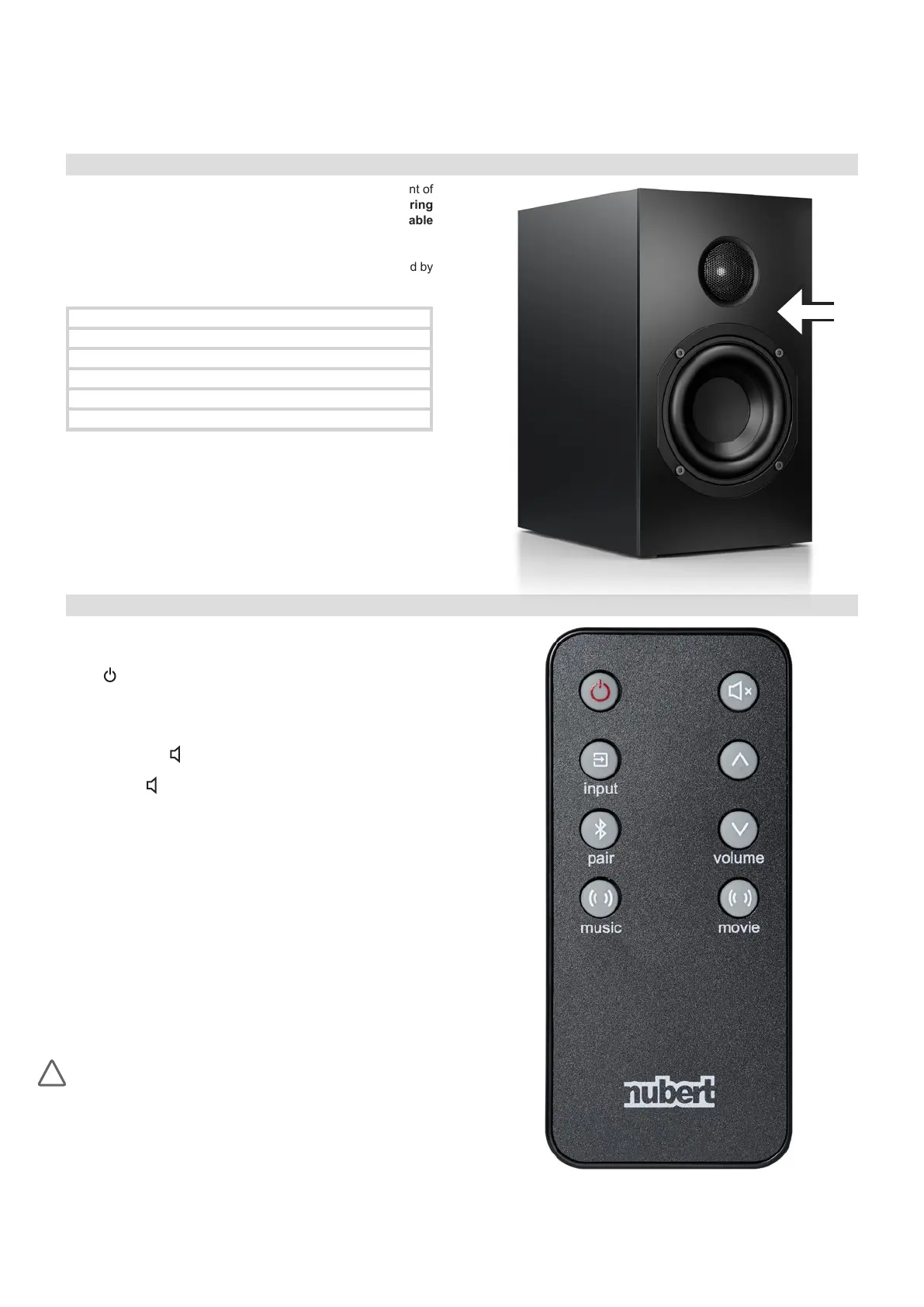
The nuBox A-125 speakers can only be operated by the supplied
remote control:
on/off
Use the on/off key to activate the A-125 or switch it to standby
mode. If the loudspeaker is turned off with the remote control, auto-
matic switch-on will be deactivated. (Exception: HDMI input)
volume and mute x
The volume can be adjusted with the volume keys and .
The mute key x allows the A-125 to be muted and unmuted.
input
Press the input key to switch to the next input. Refer to the table
above for order and colour assignment of the inputs.
pair
If the Bluetooth input is activated (indicated by the blue status LED
on the front panel of the master loudspeaker), pressing this button
will initiate the pairing process. Refer to section ‘Bluetooth: Pairing’
on page 9 for details.
music und movie
Pressing the music or movie buttons activates special DSP algo-
rithms, resulting in a greater sense of depth and width. Pressing
the respective key again deactivates this function. For details, see
“Virtual expansion of the stereo stage” on page 9.
When changing the battery:
•
Make sure the polarity of the battery is correct when inserting it into
the battery compartment.
• Always use high-quality CR2032 lithium button cells as replace-
ment batteries.
!
nuBox A-125 · 07/2020
Status LED
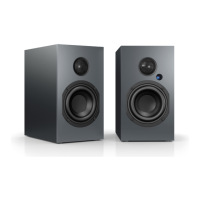
The infrared receiver and the status LED are located on the front of
the master loudspeaker. In standby mode, this LED is off. During
operation, it indicates the selected input by its colour, see table
below.
In addition, the status LED conrms the triggering of a command by
the remote control by ashing briey.
Input: Colour:
BLUETOOTH Blue
AUX Green
OPTICAL Red
COAX White
HDMI ARC Purple


 To Next Page