5
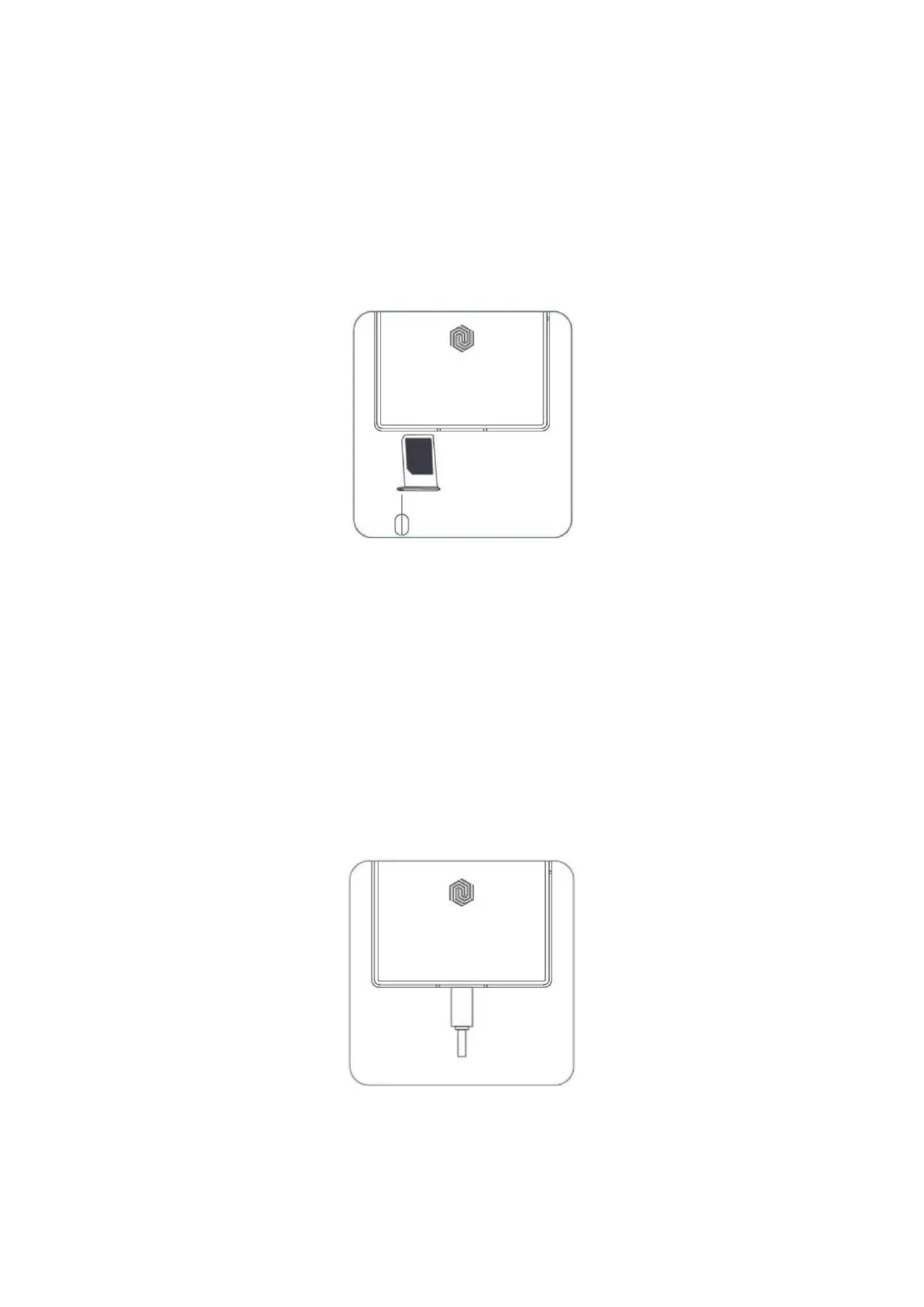
Inserting SIM Card
First, insert the end of the ejection tool into the hole of the card tray and press firmly
until the tray pops out. Put one or two Nano-SIM cards into the tray. Push the card tray
back into the phone.
Note: Dimensions of a Nano-SIM card is 9×12mm.
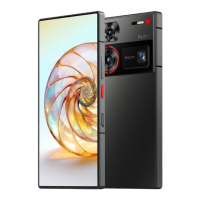
Charging the Battery
Connect the phone to the power outlet using the included USB cable and a power
adapter.
Notes:
• Your phone and power adapter might heat up while charging.
• Use of other USB cables or power adapters might decrease the life span of your
phone or cause fire, explosion, and other hazards.



 To Next Page