2
Charge your battery
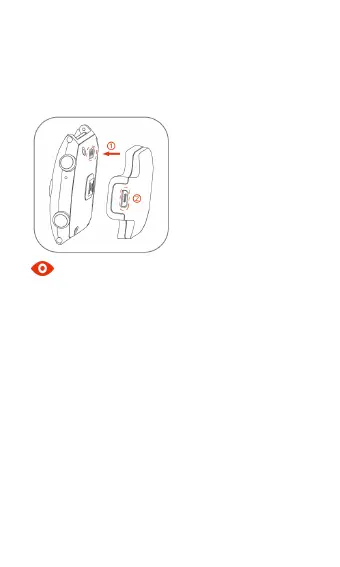
Please align the charging point on the charging dock
at the metal point on your device, slightly press till
they are firmly clasped and connect the charge cable.
Note
You can also connect your device to the USB port
on your computer via the charge cable.
Please note that it is normal that your device and
charger might become hot appropriately during
charging.
Please use your nubia original accessories,
otherwise it might affect your device’s performance,
or even cause dangers such as fire, explosion, etc.
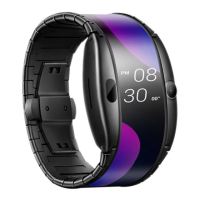
Wear your device
Press the buckle button on the watchband clasp to
unfold the clasp, wear your device on your wrist, fold
over the clasp and slightly press till it is firmly
buckled.


 To Next Page
 Loading...