Digital Connections
There are two methods for extracting digital signals from your computer. The
universal serial bus (USB) connection is the de-facto standard for just about all
peripherals: printers, digital cameras, etc. The USB allows the computer to
speedily recognize a connected device. Some computers also incorporate the
Sony/Philips Digital Interconnect Format (S/PDIF), a coaxial connection with
excellent transfer properties.
USB Audio and Performance Optimization
USB specifications define a standard interface: the USB audio-device class, which
allows a software driver to work with the currently available USB sound devices.
Microsoft Windows and Apple Mac provide support for USB audio devices.
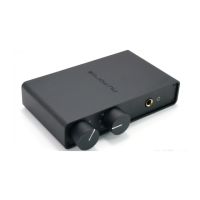
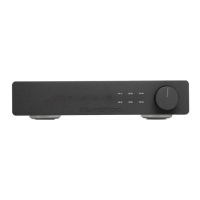
NuForce Desktop USB DACs convert USB digital data to the analog signal
headphones and amplifiers require. Equally as important, how the USB DAC
performs affects sound quality.
For more information on this subject, see
http://en.wikipedia.org/wiki/Universal_Serial_Bus.
Some Optimization Tips
To minimize noise and dropouts, connect your audio interface to a port at the
back of your computer. Generally speaking, ports on the computer’s face,
monitor or keyboard don’t perform as well.


 To Next Page