MEGAWATT BIKE GUIDE 2022 | 4 0
Section 4 - Shimano E- Tube
Shimano E-Tube
Shimano E-Tube software allows you to wirelessly connect via Bluetooth a computer or phone to
your Megawatt. The E-Tube App allows you to customise your motor settings to get the most out
of your Megawatt and adjust the display settings to your preference. Your bike will work without
the E-Tube App, but the App will enhance your Shimano STEPS EP8 experience. The full manual
for the Shimano E-Tube app can be found at the following link for reference.
> Shimano E-Tube App
E-Tube App
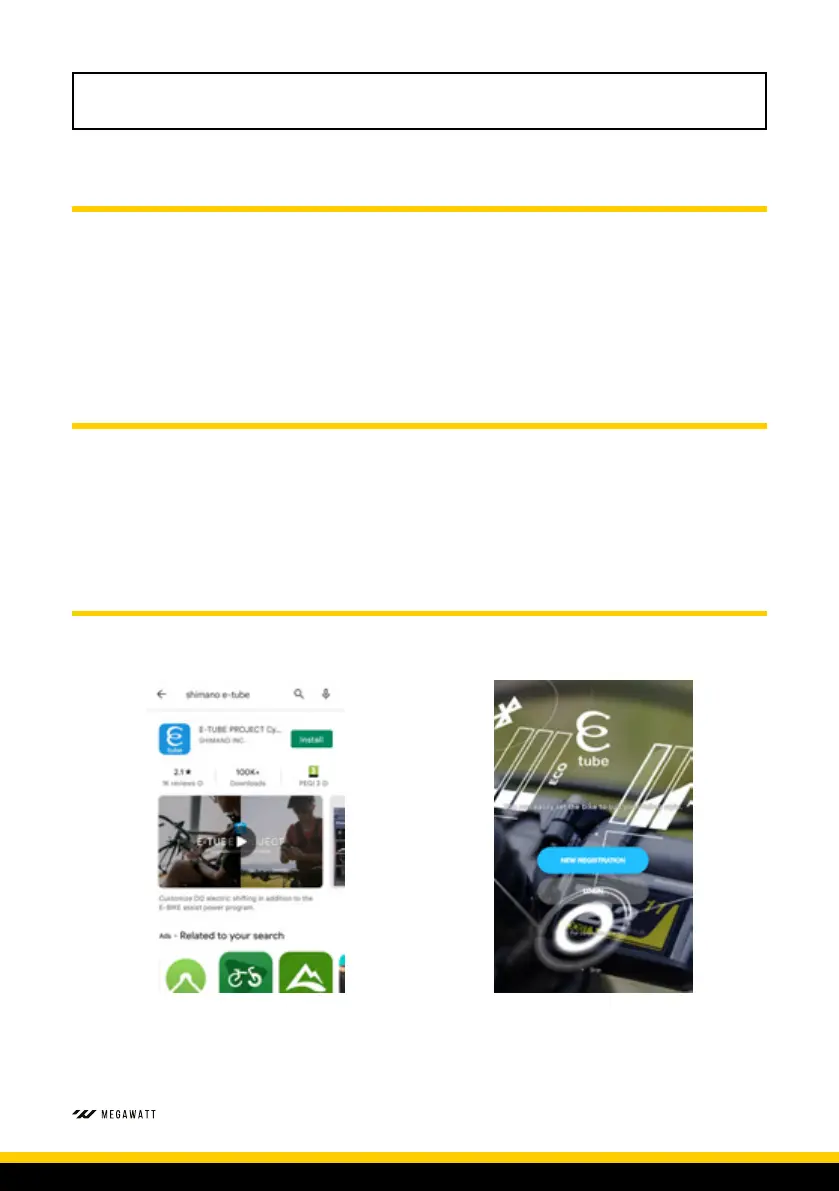
The E-Tube Project APP can be downloaded and installed to your phone from the Apple Store or
Google Play. It can also be downloaded to a personal computer direct from the Shimano website
at the following link.
> Shimano E-Tube Download
To connect bike to phone
Please ensure Bluetooth is on for phone and bike display.
1. Go to your phones App store and download
the E-Tube Project App
2. You can now log-in or register to the E-Tube
App



 To Next Page