9
EN
If your surface is made of materials other than
metal or similarly smooth surfaces, please contact
our customer service.
Product description
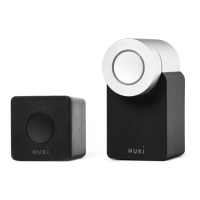
The Nuki Bridge creates a connection between
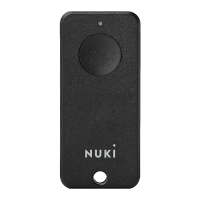
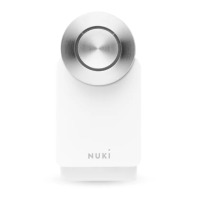
Nuki actuators like the Nuki Smart Lock or the Nuki
Opener and a local Wi-Fi network. This means Nuki
locking systems can also be accessed online and/
or a connection to other Smart Home products can
be established.
Proper use
Use Nuki Bridge only in enclosed rooms and only
with the intended power outlets with a mains
voltage of 100–240V AC (50/60 Hz).
Only use the version with the contact pins (type
C, G or I) that match the power sockets in your
country.
Installation instructions
Plug the Nuki Bridge into a socket in the immediate
vicinity of the Nuki actuators. To ensure a reliable
connection between the devices, a maximum
distance of 5 meters should not be exceeded.
Safety instructions
The following safety and hazard
instructions not only serve to protect the
BRIDGE


 To Next Page