Q.3
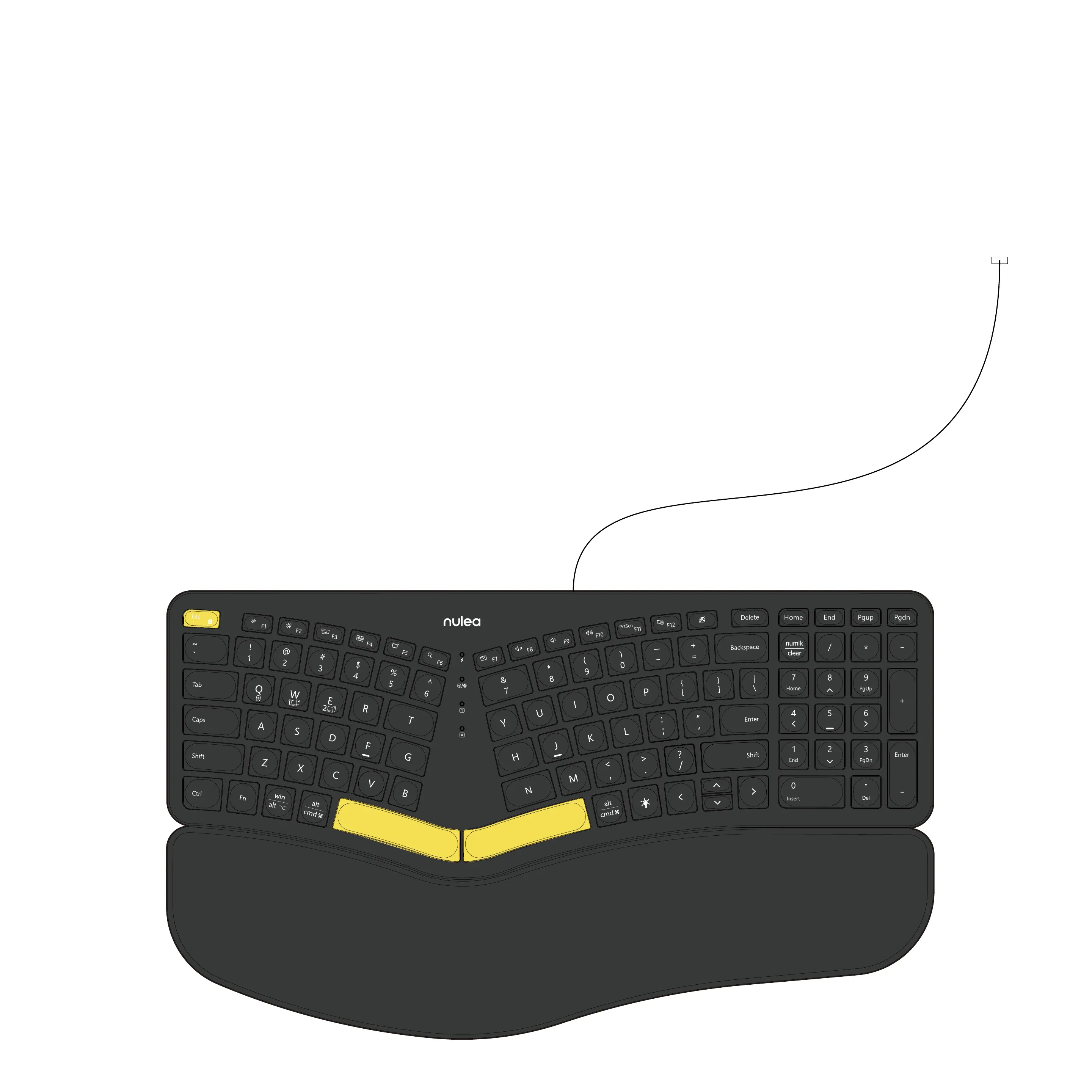
1. To charge the keyboard, plug the included USB-C to USB-A cable
into the keyboard and laptop respectively. (Or use a 5V/1A charger)
2. During charging, the charging indicator light is red, and the
indicator light turns green when fully charged.
How to charge the keyboard?
3. When the battery is low, the indicator light flashes red. In
order not to affect the experience and function of the
keyboard, please charge in time.


 To Next Page