How to deal with Bluetooth pairing doesn't work,
Bluetooth can't connect problem?
Q.2
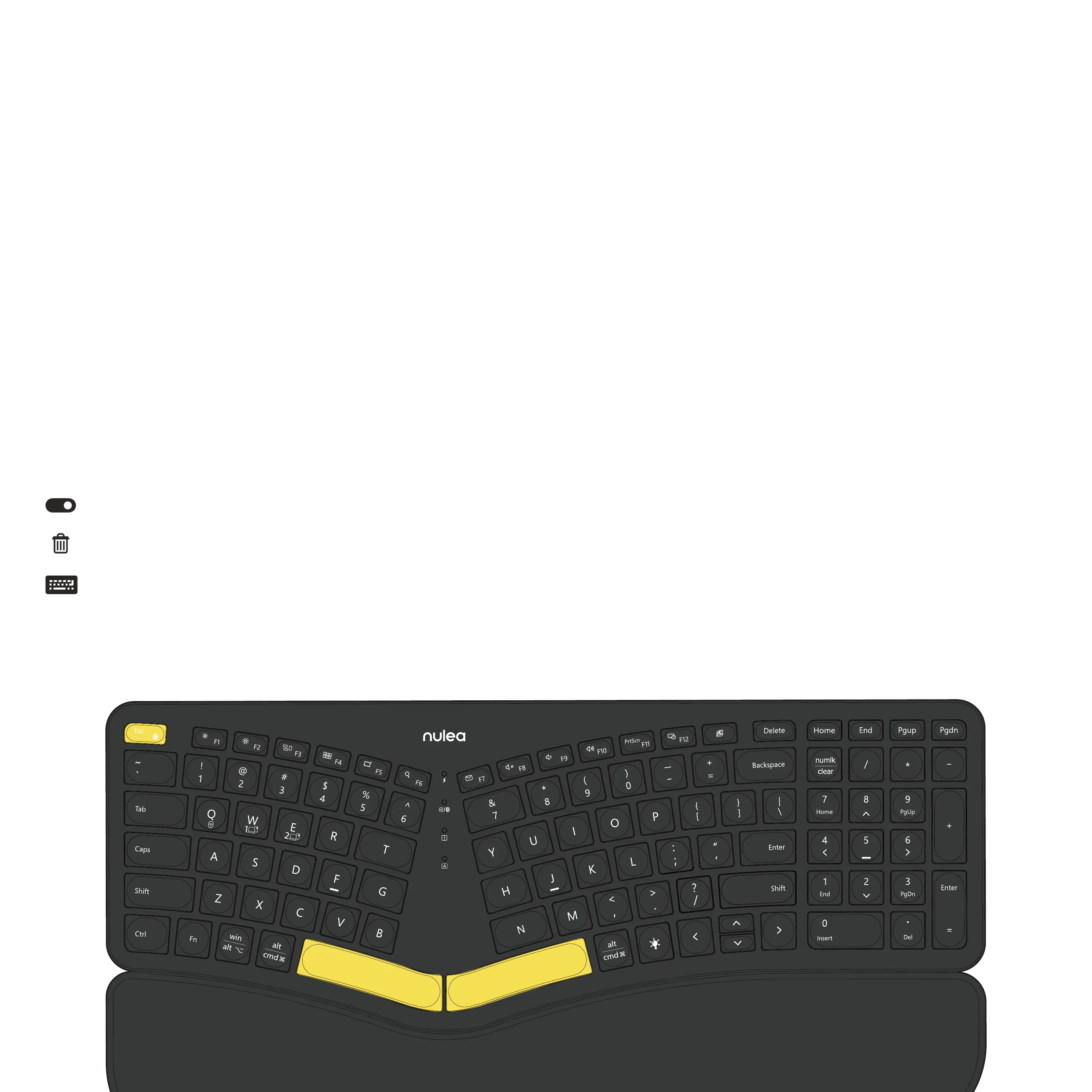
1. Check and make sure that the Bluetooth on your computer is turned on and
make sure that the keyboard's connection channel is on the appropriate
device. (Up to three devices can be connected, one for each channel)
2.Unpair and delete the keyboard's Bluetooth name on your computer's
paired device. Navigate to the Bluetooth Settings pane:
Click Start > Settings > Devices > Bluetooth & other devices.
Locate your device in the Devices list, click on it and select Remove device.
Re-pair the device you need on the computer lists.


 To Next Page