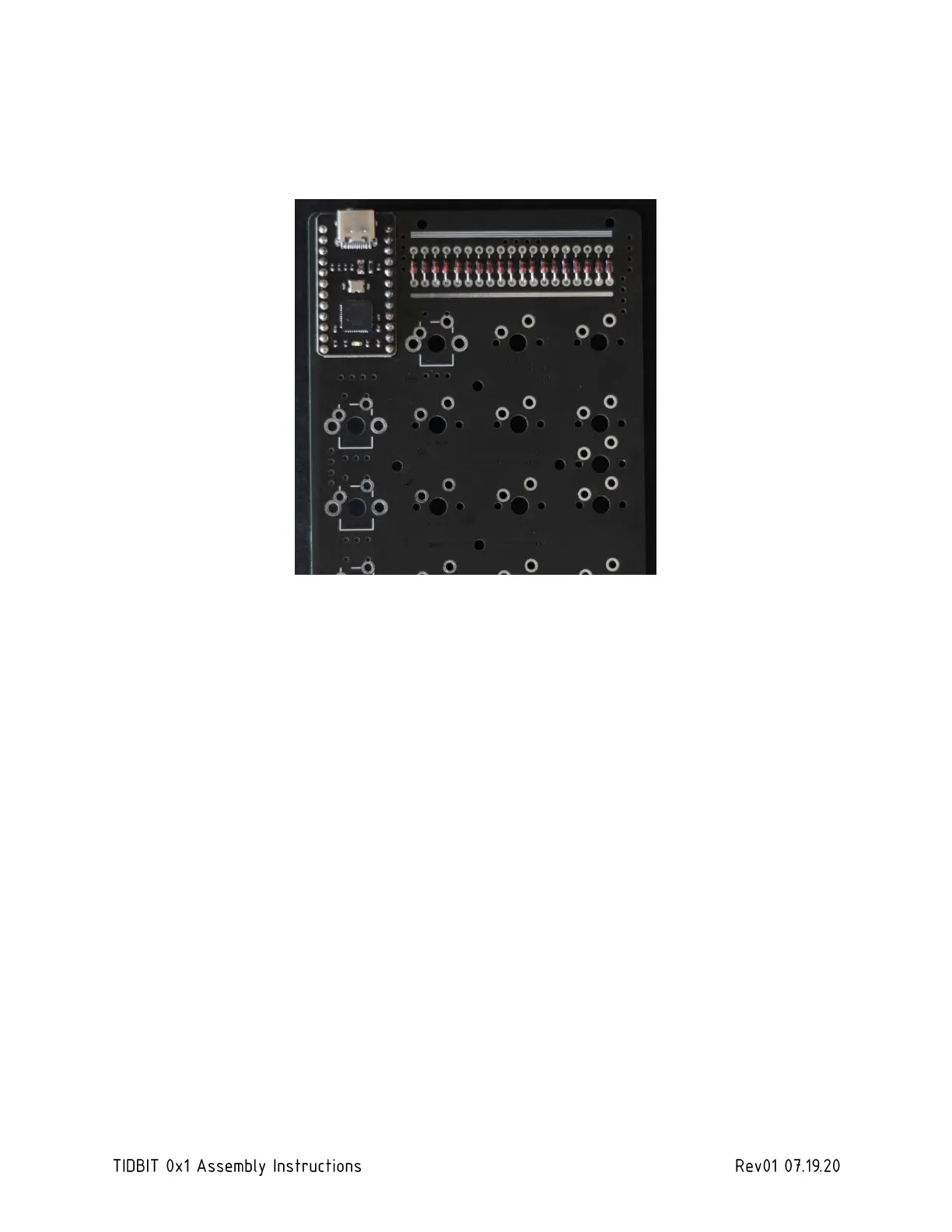
2.5 SOLDER MCU
Fit and solder the BIT-C or Pro Micro MCU as shown below. After soldering, clean with rubbing
alcohol and use the snips to clip the pins as close to the PCB as possible.
2.6 [OPTIONAL] SOLDER ROTARY ENCODER, LED MATRIX, AND/OR OLED
If building with the optional rotary encoder, alphanumeric display or LED matrix, or OLED display
in place of the programmable macro keys, fit and solder each in the position each shown. After
soldering, clean with rubbing alcohol and use the snips to clip the pins as close to the PCB as
possible. Do not clip the large support pins on the encoder.



 To Next Page